Fabric API Needed by Name Tag Upgrade v21.1.1-mc1.21.1+fabric
requiredMatching file found Matched file: [1.21.1] Fabric API 0.116.18+1.21.1

CurseForge · Minecraft mod
Smarter name tags with renaming on the go and handy quality-of-life improvements.
Quick answer
Name Tag Upgrade v21.1.1-mc1.21.1+fabric targets 1.21.1 with Fabric. The project page does not say whether this file belongs on the client, dedicated server, or both. All 3 required mods have matching files.
Where it goes
The project page does not say whether this file belongs on the client, dedicated server, or both.
The source does not explicitly classify this release as client-only or server-only.
v21.1.1-mc1.21.1+fabric. Change the file and its required mods may change too.
Install Fabric API, Forge Config API Port, Puzzles Lib first. We found matching files for this game-version and loader setup. 2 come through another mod in the chain.
2 extra mods were pulled in by other dependencies. Indented rows show who needs each one. We only count dependency files that match this setup. A file for another loader does not fill the gap.
Before you install it
Built for Name Tag Upgrade v21.1.1-mc1.21.1+fabric. Pick another file and the loader, install side or required mods may change.
Use v21.1.1-mc1.21.1+fabric. It targets 1.21.1 with Fabric; another release may have different loader, side or dependency requirements.
Install Fabric API, Forge Config API Port, Puzzles Lib first. We found matching files for this game-version and loader setup. 2 come through another mod in the chain.
The project page does not say whether this file belongs on the client, dedicated server, or both.
Use the “Get this file” button beside v21.1.1-mc1.21.1+fabric. It opens that exact file at the source.
About this project




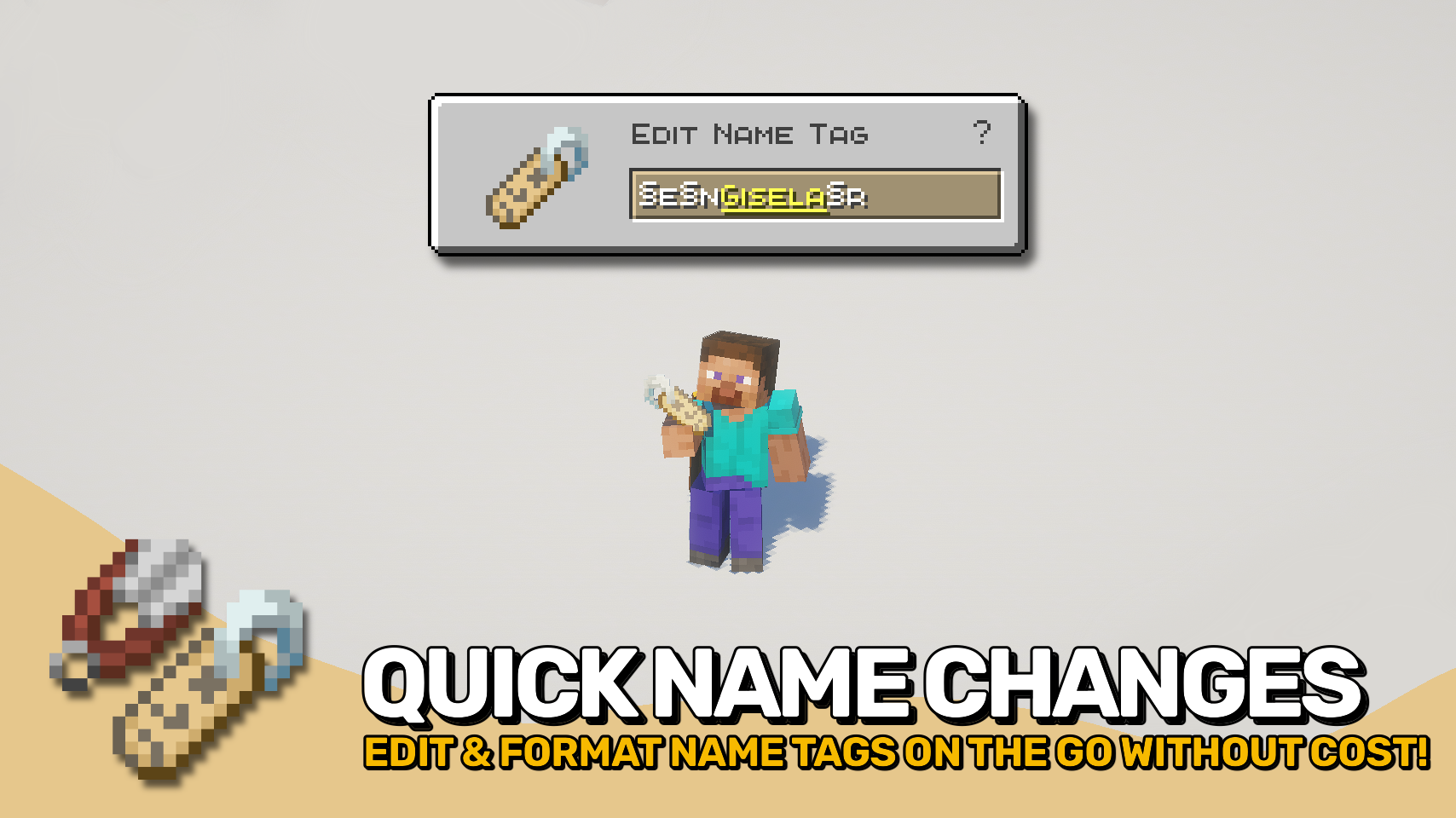
Name Tag Upgrade gives name tags the improvements they have always deserved. 🏷️ Rename them instantly from your hotbar, no anvil and no experience cost required.
A handy edit screen lets you change names on the fly simply by using the item, making mob naming faster and far more convenient. Want colorful or stylized text? The editor supports formatting codes, allowing custom colors, bold text, italics, and more. ✨
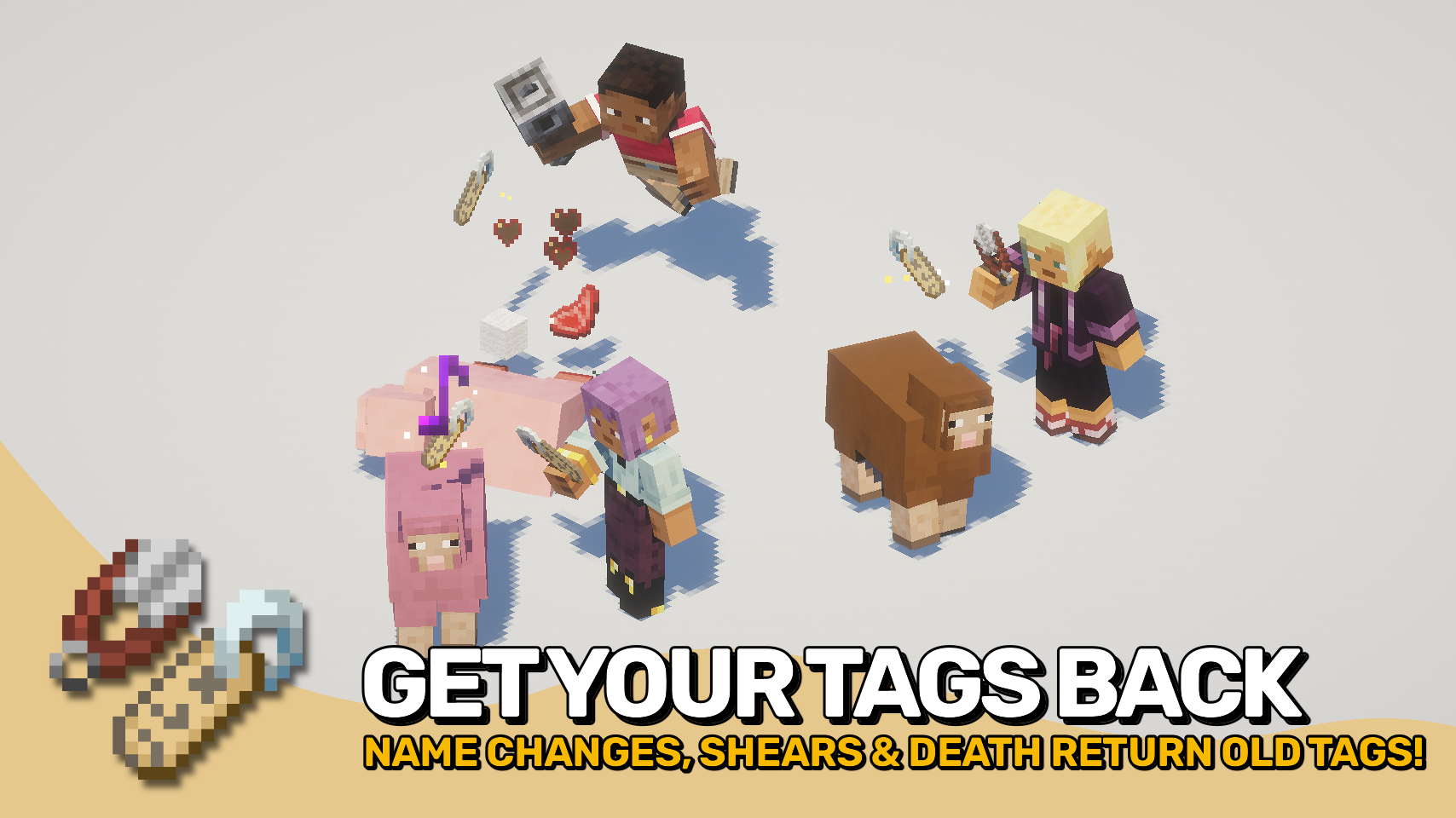
Beyond easier renaming, Name Tag Upgrade also improves how named mobs and name tags behave, making every tag feel more useful and less wasteful.



⏩ INSTALLATION REQUIRED ON CLIENT & REQUIRED ON SERVER
⏩ REQUIRES PUZZLES LIB TO BE INSTALLED (FABRIC & NEOFORGE)
⏩ REQUIRES FABRIC API TO BE INSTALLED (FABRIC)
⏩ REQUIRES FORGE CONFIG API PORT TO BE INSTALLED (FABRIC)

If available for a mod, configuration is possible directly from in-game using the mod menu (requires Mod Menu by Prospector to be installed on Fabric).
For manual configuration using an external text editor all files are found at .minecraft/config, named as MOD_ID-client.toml, MOD_ID-common.toml, or MOD_ID-server.toml, depending on the type of config. Not all types might exist for a mod, if any at all.

🌟 Thanks to tfarecnim and their Nametags Without Anvils mod, which parts of this mod are largely inspired by.
 |
 |
|
|---|---|---|
 |
 |
|
 |
 |
|
 |
 |
|
 |
 |
|

© 2026 @heyitsfuzs. All rights reserved. This page was last edited on 11 September 2026, at 06:44 (UTC).
Project description from CurseForge.
Pick your setup
Choose the version and loader you play, then open the matching release.
Check the dependencies, then try the file in a copied instance before changing a world you care about.
Recent files
nametagupgrade-v21.1.1-mc1.21.1+fabric.jar
8 Oct 2026
nametagupgrade-v21.1.1-mc1.21.1+neoforge.jar
8 Oct 2026
nametagupgrade-v26.1.4-mc26.1.x+fabric.jar
8 Oct 2026
nametagupgrade-v26.1.4-mc26.1.x+neoforge.jar
8 Oct 2026
nametagupgrade-v26.3.1-mc26.3.x+fabric.jar
8 Oct 2026
nametagupgrade-v26.3.1-mc26.3.x+neoforge.jar
8 Oct 2026
nametagupgrade-v26.3.0-mc26.3.x+fabric.jar
23 Sept 2026
nametagupgrade-v26.3.0-mc26.3.x+neoforge.jar
23 Sept 2026
NameTagUpgrade-v26.2.3-mc26.2.x-Fabric.jar
6 Sept 2026
NameTagUpgrade-v26.2.3-mc26.2.x-NeoForge.jar
6 Sept 2026
NameTagUpgrade-v26.1.3-mc26.1.x-Fabric.jar
6 Sept 2026
NameTagUpgrade-v26.1.3-mc26.1.x-NeoForge.jar
6 Sept 2026
Looking for an older file? The official CurseForge project page is in Resources.
 mod
Discover, highlight, inspect, modify - your vanilla & modded mob encyclopedia
 mod
A cross-platform library that lets you customize the design of creative mode tabs. It supports implementation by Resource Packs, KubeJs and has an integrated modding api.
 mod
Kill, collect and morph into mobs with their real behaviors, abilities , variants and survival mechanics — including modded mobs and multiplayer support!
