MineColonies Needed by MineColonies Horizon mcvanillatweaks-1.21.1-1.5.11.jar
requiredMatching file found Matched file: minecolonies-1.1.1420-1.21.1.jar
CurseForge · Minecraft mod
Vanilla Minecraft-style screens for every MineColonies window, a HUD of your builders' missing resources and beams to find citizens and huts. Client and server
Quick answer
MineColonies Horizon mcvanillatweaks-1.21.1-1.5.11.jar targets 1.21.1 with NeoForge. The project page does not say whether this file belongs on the client, dedicated server, or both. All 6 required mods have matching files.
Where it goes
The project page does not say whether this file belongs on the client, dedicated server, or both.
The source does not explicitly classify this release as client-only or server-only.
mcvanillatweaks-1.21.1-1.5.11.jar. Change the file and its required mods may change too.
Install MineColonies, Domum Ornamentum, TownTalk, Multi-Piston and 2 more first. We found matching files for this game-version and loader setup. 5 come through another mod in the chain.
5 extra mods were pulled in by other dependencies. Indented rows show who needs each one. We only count dependency files that match this setup. A file for another loader does not fill the gap.
Before you install it
Built for MineColonies Horizon mcvanillatweaks-1.21.1-1.5.11.jar. Pick another file and the loader, install side or required mods may change.
Use mcvanillatweaks-1.21.1-1.5.11.jar. It targets 1.21.1 with NeoForge; another release may have different loader, side or dependency requirements.
Install MineColonies, Domum Ornamentum, TownTalk, Multi-Piston and 2 more first. We found matching files for this game-version and loader setup. 5 come through another mod in the chain.
The project page does not say whether this file belongs on the client, dedicated server, or both.
Use the “Get this file” button beside mcvanillatweaks-1.21.1-1.5.11.jar. It opens that exact file at the source.
About this project
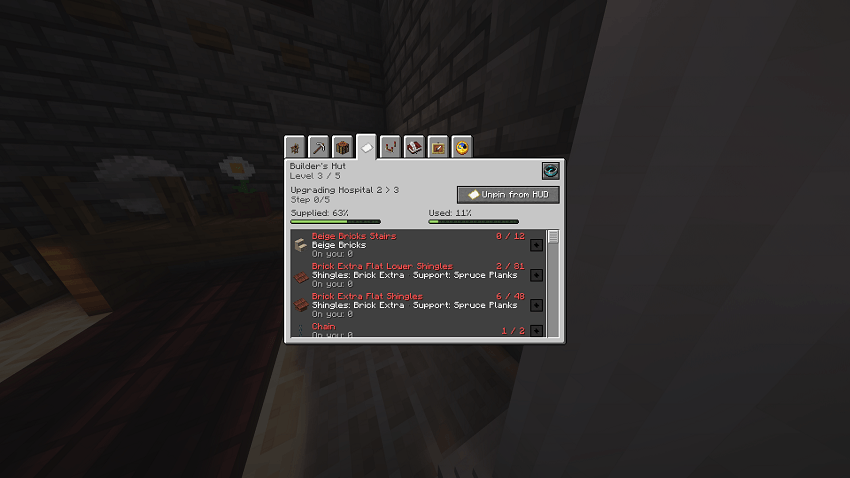
MineColonies Horizon replaces MineColonies' windows with clean, vanilla-style Minecraft screens, and adds the tools you keep wishing you had: what your builders still need, on screen, a beam to find any citizen, and a dashboard that tells you why something isn't working.
Client-side: install it on your own game, nothing changes for the other players. Only the custom citizen names and the hungry cook fix need it on the server too.
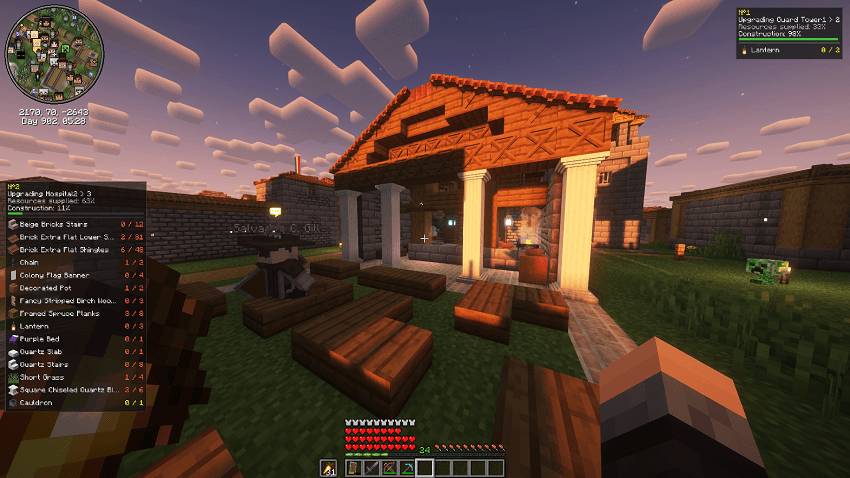
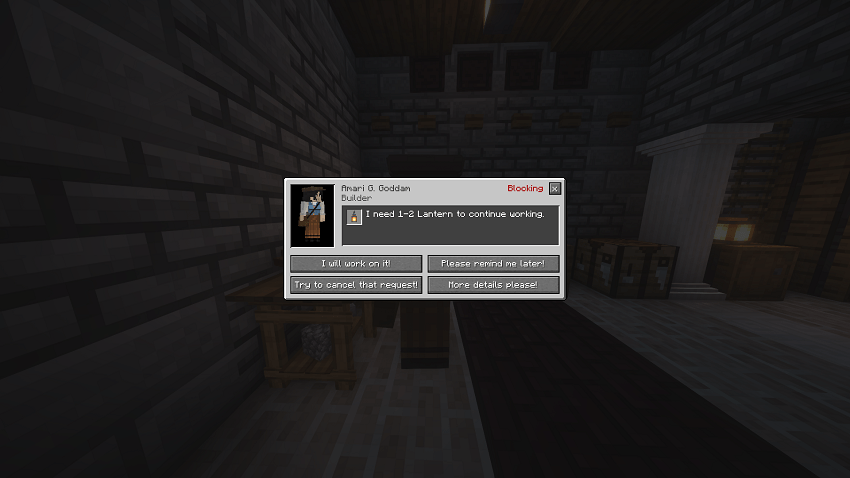
Hold a builder's Resource Scroll and press J: the missing materials stay on screen while you gather them, with the construction progress. Pin several builders, move the panels with P, hide them with H.
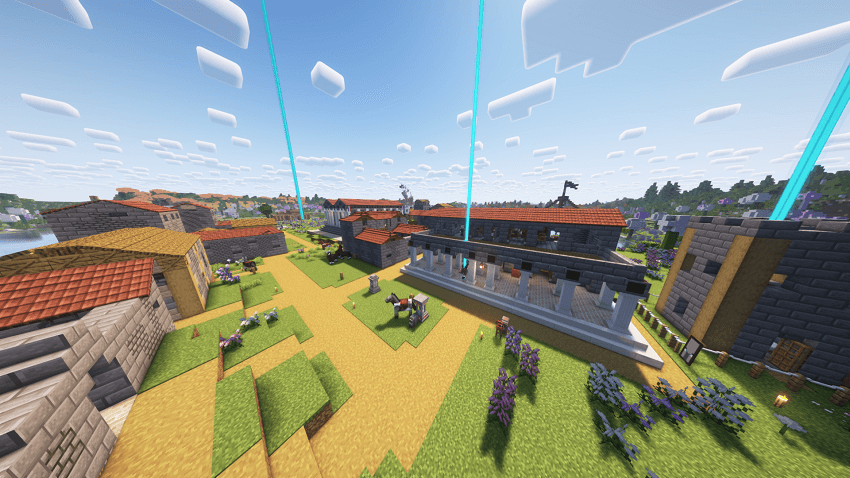
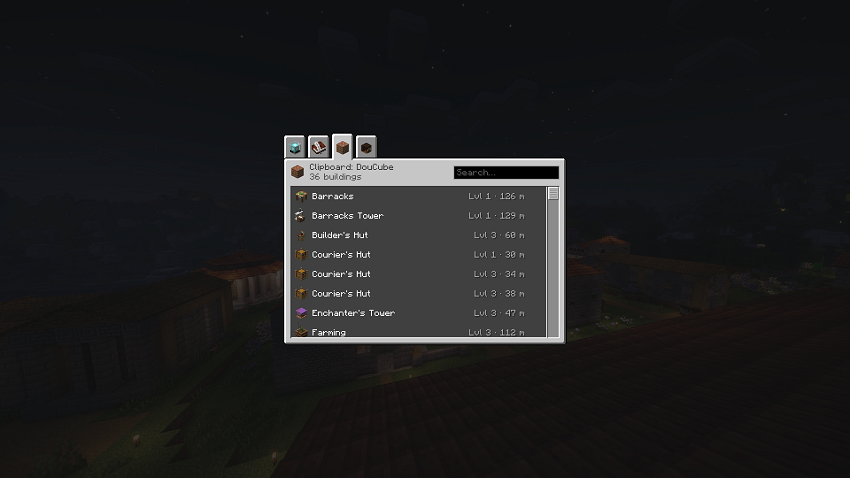
Press "locate" on a citizen, a hut or the clipboard: a coloured beam rises above it, with direction and distance. Graves of dead citizens get a red beam until they are collected. Builders' "finished" chat messages are clickable.
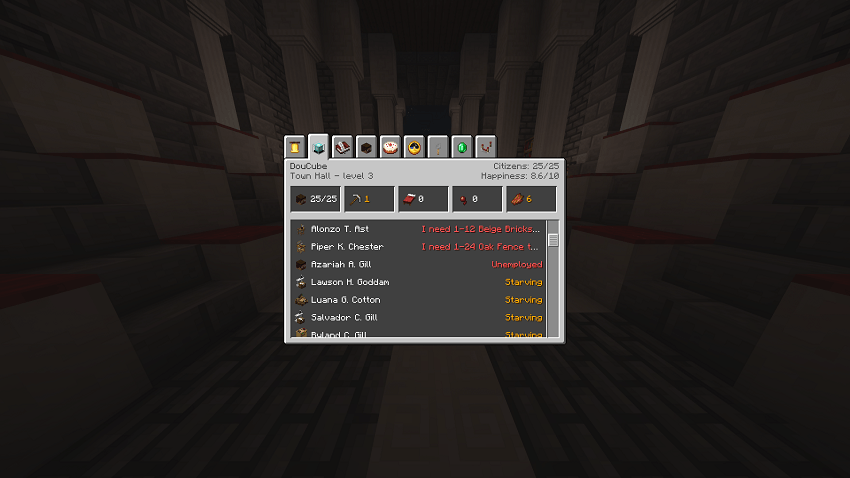
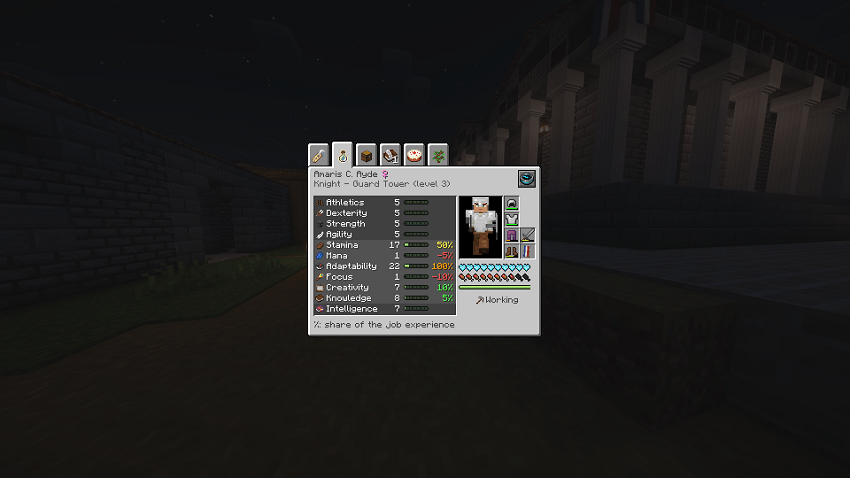
Every citizen page ends with a verdict: homeless, starving, no order, missing ingredient, no tool... The town hall opens on a dashboard of what needs your attention first.
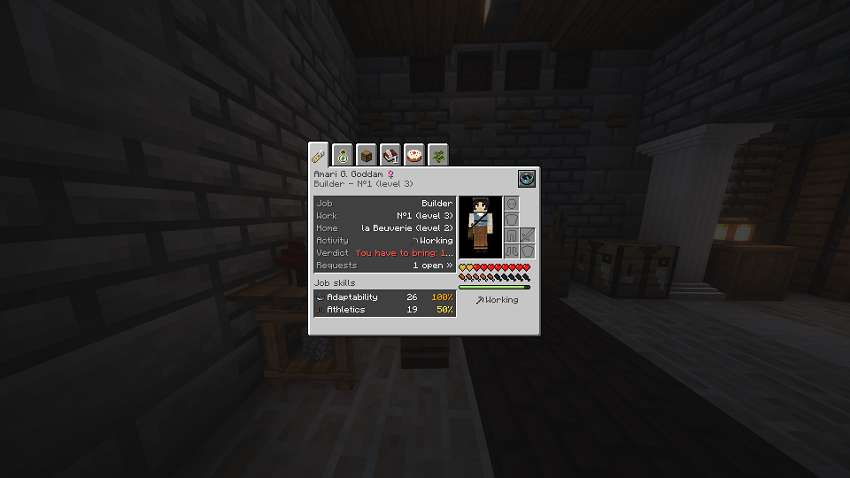
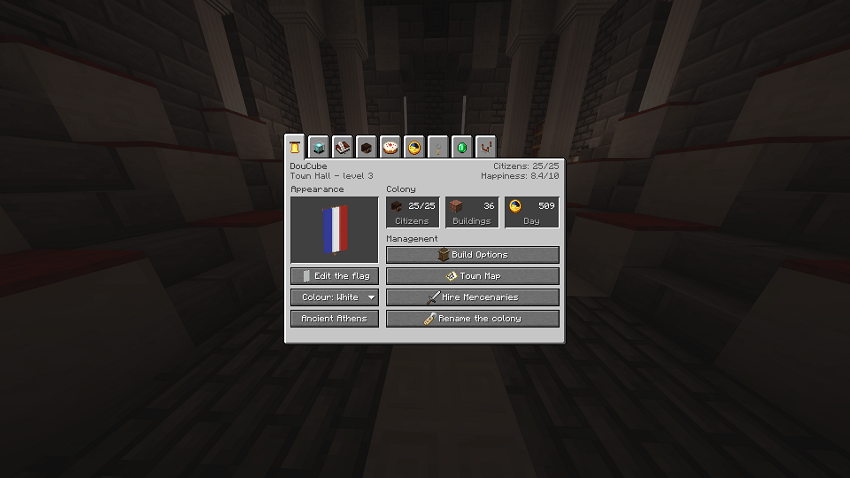
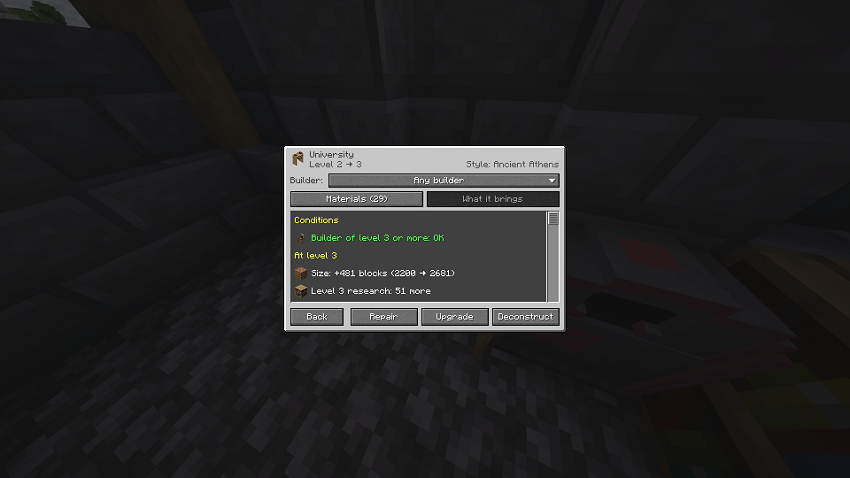
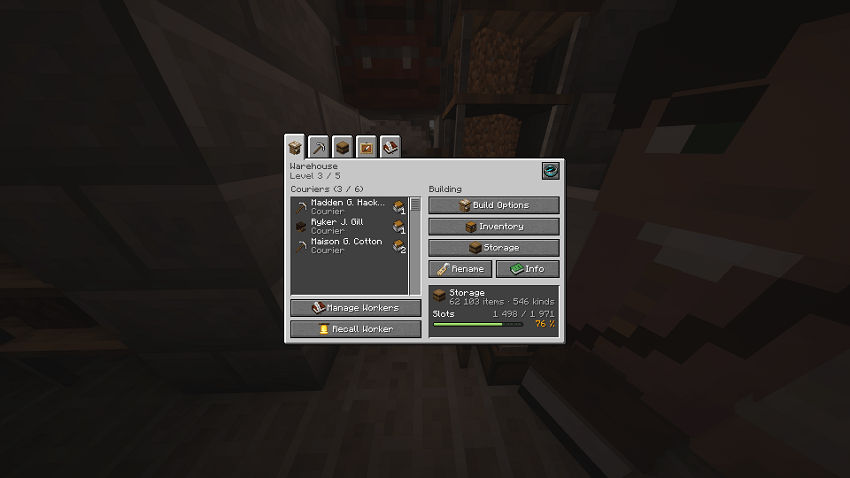
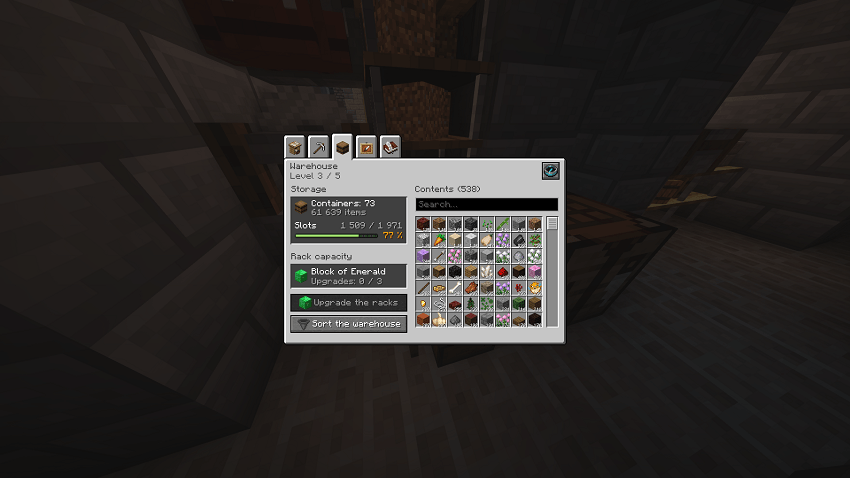
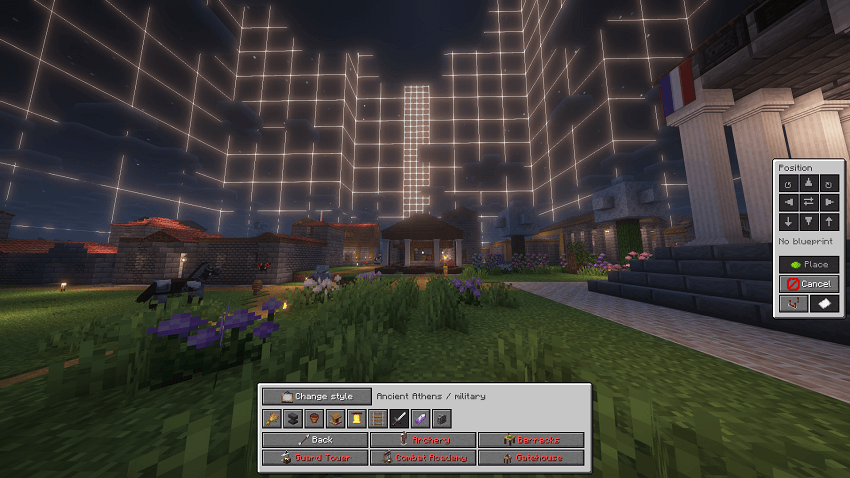
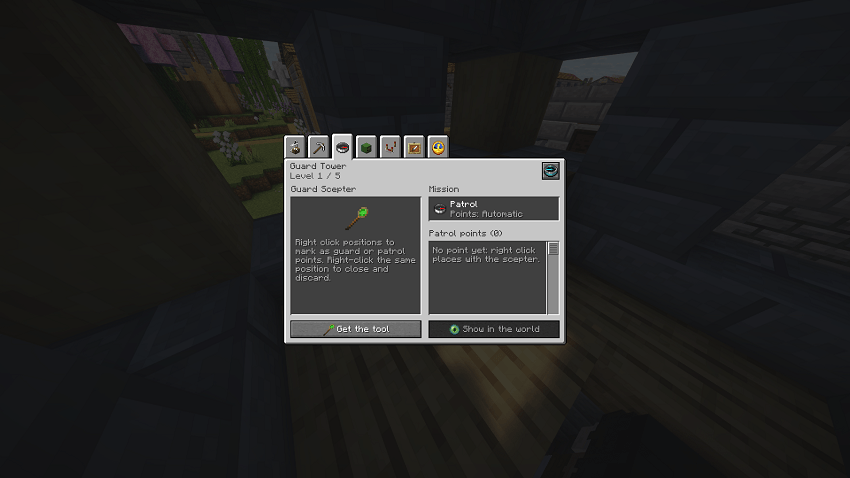
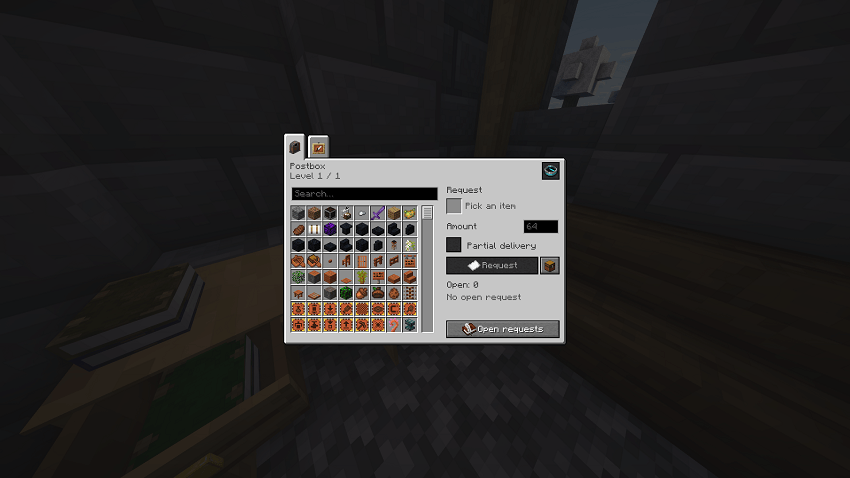
Citizens, town hall, every hut, university research tree, build tool, Architect's Cutter, clipboard, colony map, quest log, dialogs... about a hundred windows, all in the same style as the rest of the game. Before an upgrade, a page tells you what the next level brings.
Pick where new citizens get their names: built-in lists (French, English, Spanish, Italian, German, Japanese, Medieval, Ancient Rome, Norse, Elves, Dwarves, Orcs) or your own (family, friends, a favourite series). Mix as many lists as you want. Names already in the colony are avoided and children keep a parent's surname.
Citizens (3 screenshots)
Huts & buildings (7 screenshots)
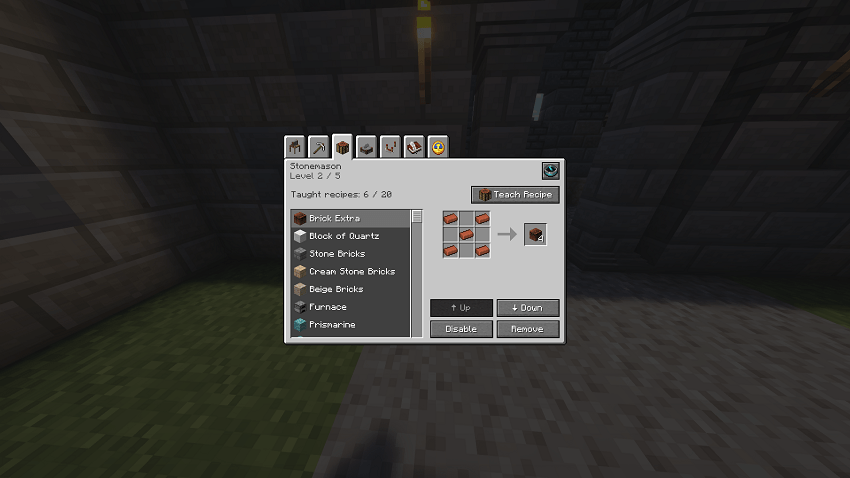
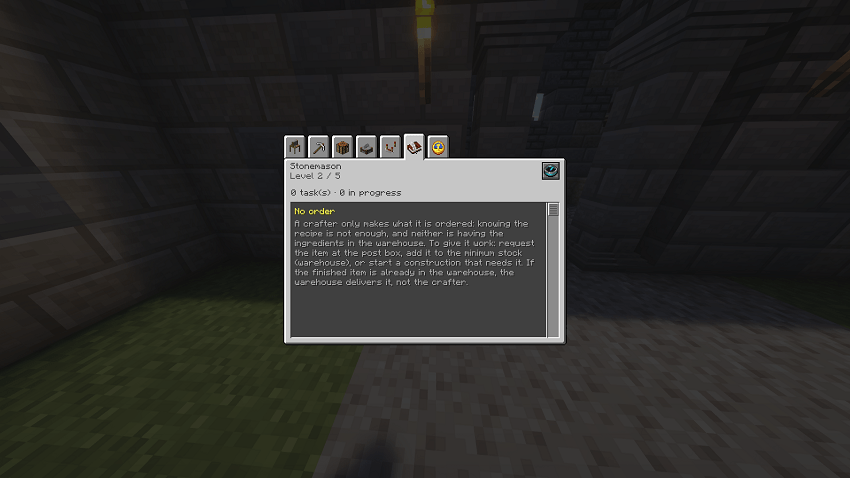
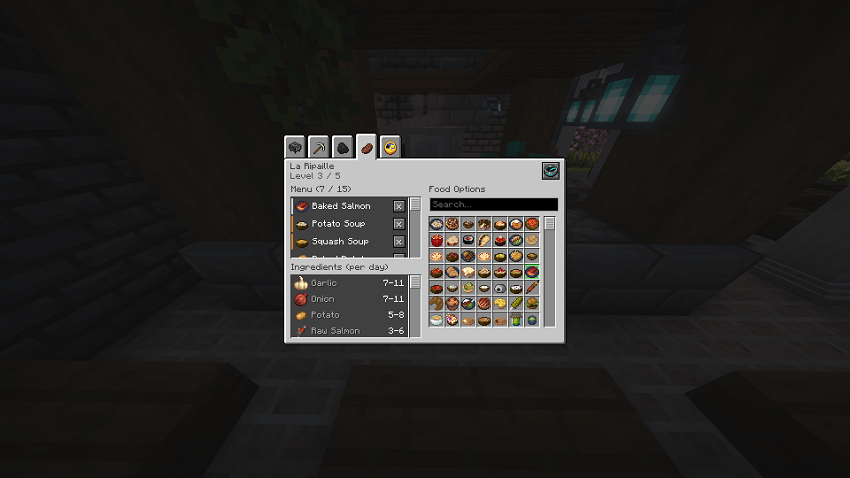
Research, tools & more (5 screenshots)
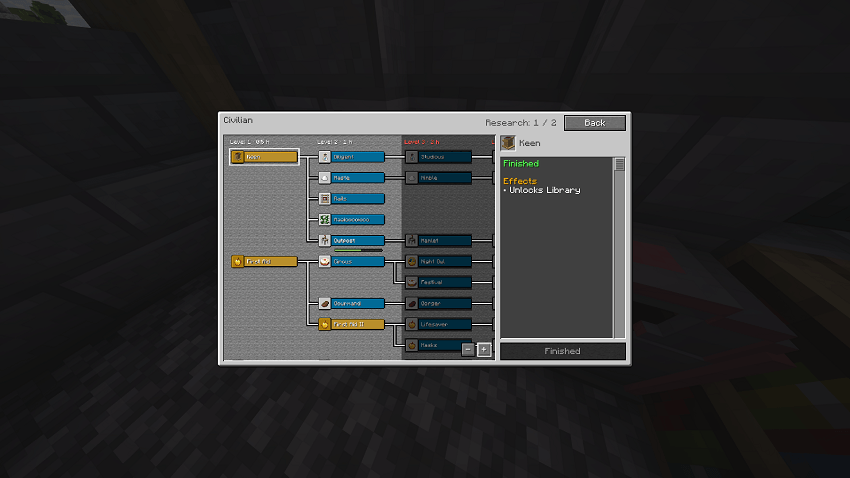
Unofficial addon, not made by or affiliated with the LDT Team, the authors of MineColonies. It is a different project from "Tweaks addon for MineColonies" and from the "MineColonies Horizons" modpack.
Made with the help of AI (Claude, by Anthropic). The ideas, the choices and the in-game testing are mine; the AI wrote much of the code. Found a bug? Tell me in the comments. Licence: GPL-3.0, source code in the files of each version.
Project description from CurseForge.
Pick your setup
Choose the version and loader you play, then open the matching release.
Check the dependencies, then try the file in a copied instance before changing a world you care about.
Recent files
18 Oct 2026
7 Oct 2026
Looking for an older file? The official CurseForge project page is in Resources.
 mod
Add Pokémon regions to minecraft world, strictly restricting both Pokémon spawns and regional structures to their native domains.
 mod
A mod that provides universal tools, super alloy furnaces, and various QOL modifications.
 mod
library that dynamically partitions Minecraft worlds into procedural regions, territories, and biome zones.