Xaero's Minimap Needed by Geotagged Screenshots Modern geotagged_screenshots_modern-neoforge-26.2-1.0.0.jar
requiredMatching file found Matched file: xaerominimap-neoforge-26.2-26.6.2.jar

CurseForge · Minecraft mod
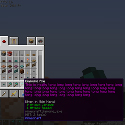
Enriches screenshots with metadata like in-game coordinates to make them viewable in Xaero's World Map.
Quick answer
Geotagged Screenshots Modern geotagged_screenshots_modern-neoforge-26.2-1.0.0.jar targets 26.2 with NeoForge. The project page does not say whether this file belongs on the client, dedicated server, or both. All 2 required mods have matching files.
Where it goes
The project page does not say whether this file belongs on the client, dedicated server, or both.
The source does not explicitly classify this release as client-only or server-only.
geotagged_screenshots_modern-neoforge-26.2-1.0.0.jar. Change the file and its required mods may change too.
Install Xaero's Minimap, Xaero's World Map first. We found matching files for this game-version and loader setup. 1 comes through another mod in the chain.
1 extra mod was pulled in by another dependency. Indented rows show who needs each one. We only count dependency files that match this setup. A file for another loader does not fill the gap.
Before you install it
Built for Geotagged Screenshots Modern geotagged_screenshots_modern-neoforge-26.2-1.0.0.jar. Pick another file and the loader, install side or required mods may change.
Use geotagged_screenshots_modern-neoforge-26.2-1.0.0.jar. It targets 26.2 with NeoForge; another release may have different loader, side or dependency requirements.
Install Xaero's Minimap, Xaero's World Map first. We found matching files for this game-version and loader setup. 1 comes through another mod in the chain.
The project page does not say whether this file belongs on the client, dedicated server, or both.
Use the “Get this file” button beside geotagged_screenshots_modern-neoforge-26.2-1.0.0.jar. It opens that exact file at the source.
About this project
Originally created by CCr4ft3r. This is a modernized fork maintained by ludwici, focused on supporting newer Minecraft versions and keeping the mod compatible with current releases.




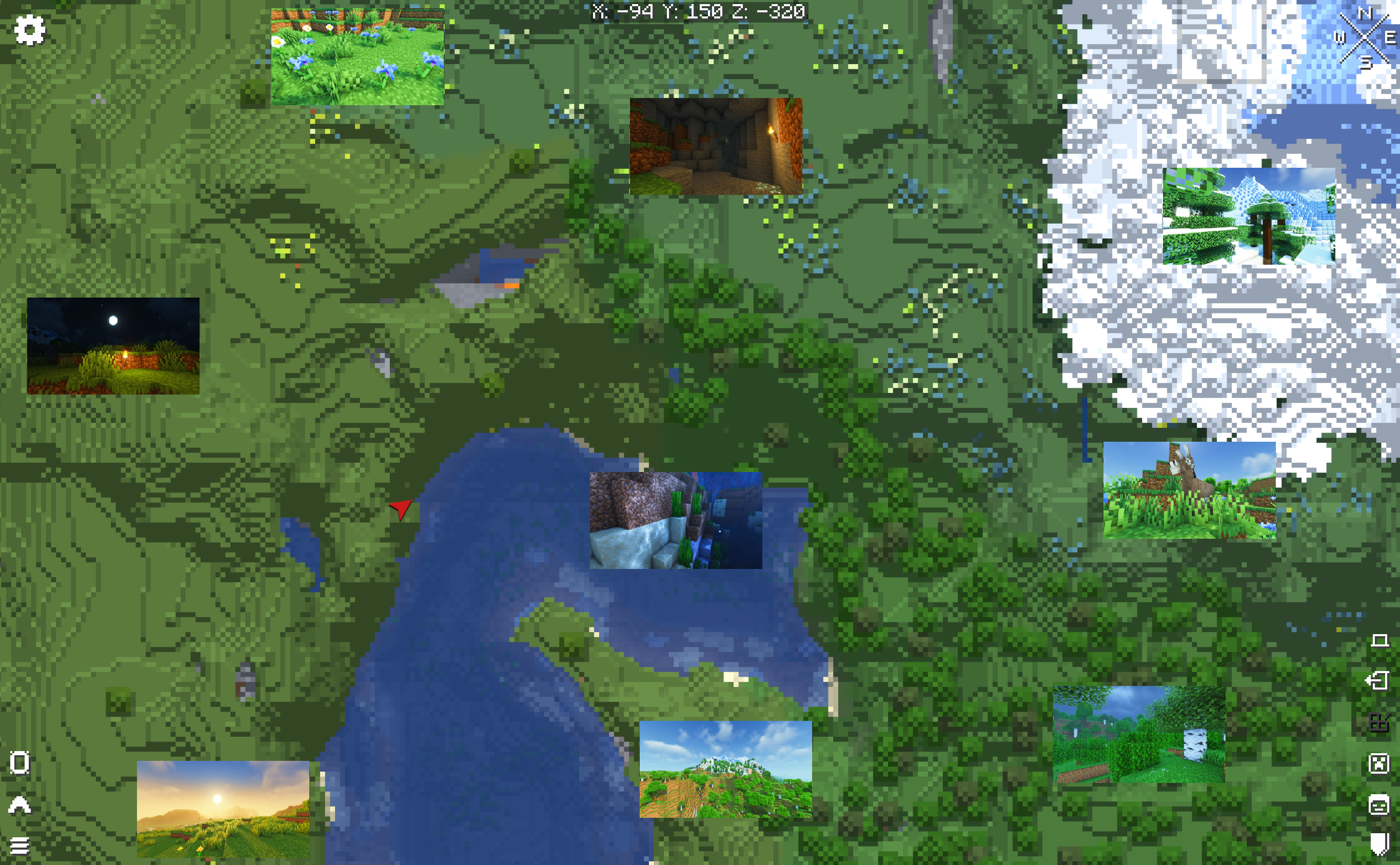
Minecraft usually saves screenshots as files without an easy way to find the location where they were taken. Geotagged Screenshots links your screenshots to waypoints in Xaero's World Map and Xaero's Minimap, letting you revisit memorable places.
Settings are stored in the Minecraft config directory in geotagged_screenshots-client.toml (NeoForge) or geotagged_screenshots-client.json (Fabric).
I can't see my screenshots on the world map. What should I check?
Make sure screenshot waypoints are enabled and the Geotagged Screenshots waypoint set is selected in Xaero's map. Screenshots need their corresponding waypoints to appear.
Can I include Geotagged Screenshots in my modpack?
Yes. Please follow the project's LGPL-3.0 license and retain the applicable copyright notices.
Where can I report a bug or request a feature?
Use the GitHub issue tracker.
GitHub repository · Issues and feature requests · Original mod



Project description from CurseForge.
Pick your setup
Choose the version and loader you play, then open the matching release.
Check the dependencies, then try the file in a copied instance before changing a world you care about.
Recent files
13 Nov 2026
13 Nov 2026
9 Nov 2026
9 Nov 2026
6 Nov 2026
6 Nov 2026
Looking for an older file? The official CurseForge project page is in Resources.
 mod
One unified mana pool for every supported magic mod, displayed on a single HUD bar!
 mod
Totems of Undying that still save your life, but leave a curse behind: lost hearts, a zombie body, a rampage, a melon diet and more. Evokers drop them.
 mod
Emote viewer for the Emotecraft mod