Just Enough Items (JEI) Optional for Mobile Networks 4.5.0
optionalMatching file found Matched file: 19.76.1.484

Modrinth · Minecraft mod
This mod disables vanilla chat to add phones, and different antennas that you can create your own mobile network area to chat with people, as in vanilla chat but using the phone and your mobile network.
Quick answer
Mobile Networks 4.5.0 targets 1.21.1 with NeoForge. Installation on the client is optional. Installation on the dedicated server is optional. All 1 required mods have matching files.
Where it goes
Installation on the client is optional. Installation on the dedicated server is optional.
The source marks this as usable on both the client and server.
4.5.0. Change the file and its required mods may change too.
Install Simple Voice Chat first. We found matching files for this game-version and loader setup. 3 come through another mod in the chain.
3 extra mods were pulled in by other dependencies. Indented rows show who needs each one. We only count dependency files that match this setup. A file for another loader does not fill the gap.
Before you install it
Built for Mobile Networks 4.5.0. Pick another file and the loader, install side or required mods may change.
Use 4.5.0. It targets 1.21.1 with NeoForge; another release may have different loader, side or dependency requirements.
Install Simple Voice Chat first. We found matching files for this game-version and loader setup. 3 come through another mod in the chain.
Installation on the client is optional. Installation on the dedicated server is optional.
Use the “Get this file” button beside 4.5.0. It opens that exact file at the source.
About this project
Bring your world's communications to a mobile phone: build antennas, create networks, send messages and call other players whenever you have coverage.
Mobile Networks is designed for survival and roleplay servers where communication is part of the gameplay itself. Distance from antennas, available signal strength and each player's plan determine when you can send messages or maintain a call.
Build copper, iron or diamond antennas and manage their networks through the Server block. Antennas made from better materials have a greater range and can share networks through mesh connections.
Signal strength changes depending on distance and the surrounding environment: 5G+, 5G, 4G+, 4G, LTE, 3G, H+, H, 2G, E+ and E. Outside normal coverage, you may have no service at all or only access to the mod's emergency and SOS system.
Players do not need to be connected to the same network to call each other: both players need access to an allowed network with normal coverage and available call time.
delete.The phone keeps its vertical orientation and uses scaling equivalent to GUI Scale 2, regardless of Minecraft's interface size. Messages automatically wrap across multiple lines, and their backgrounds correctly accommodate player names.
Version 3.1.0 enables a call performance mode by default: rate-limited coverage checks, terrain queries that do not load chunks, bounded sampling, reduced work per tick and batched phone rendering. Voice transport remains separate from world and coverage checks.
Install Mobile Networks and Simple Voice Chat on both the server and every client. This is not a plugin for Paper, Spigot or Bukkit.
Voice communication uses a single UDP port, 24454 by default, for all calls. It is configured in config/voicechat/voicechat-server.properties and must be allowed through your firewall and router or hosting provider. Minecraft's own server port does not change. The Phone app also provides access to microphone and audio output settings.
Normal text chat is replaced by the phone's messaging system. When updating, make a backup of your world and make sure there is only one Mobile Networks JAR inside each mods folder.
Check this video: Click here
Check this video: Click here
Project description from Modrinth.
Pick your setup
Choose the version and loader you play, then open the matching release.
Check the dependencies, then try the file in a copied instance before changing a world you care about.
Recent files
MobileNetworks-4.5.0-fabric-1.21.1.jar
21 Nov 2026
MobileNetworks-4.5.0-fabric-1.20.1.jar
21 Nov 2026
MobileNetworks-4.5.0-forge-1.20.1.jar
21 Nov 2026
MobileNetworks-4.5.0-neoforge-1.20.1.jar
21 Nov 2026
MobileNetworks-4.5.0.jar
21 Nov 2026
MobileNetworks-4.2.0.jar
17 Nov 2026
MobileNetworks-4.1.0.jar
25 Oct 2026
MobileNetworks-4.0.3.jar
15 Oct 2026
MobileNetworks-4.0.2.jar
9 Oct 2026
MobileNetworks-4.0.1.jar
8 Oct 2026
MobileNetworks-4.0.0-mc1.20.1.jar
4 Oct 2026
MobileNetworks-4.0.0.jar
3 Oct 2026
Looking for an older file? The official Modrinth project page is in Resources.
 mod
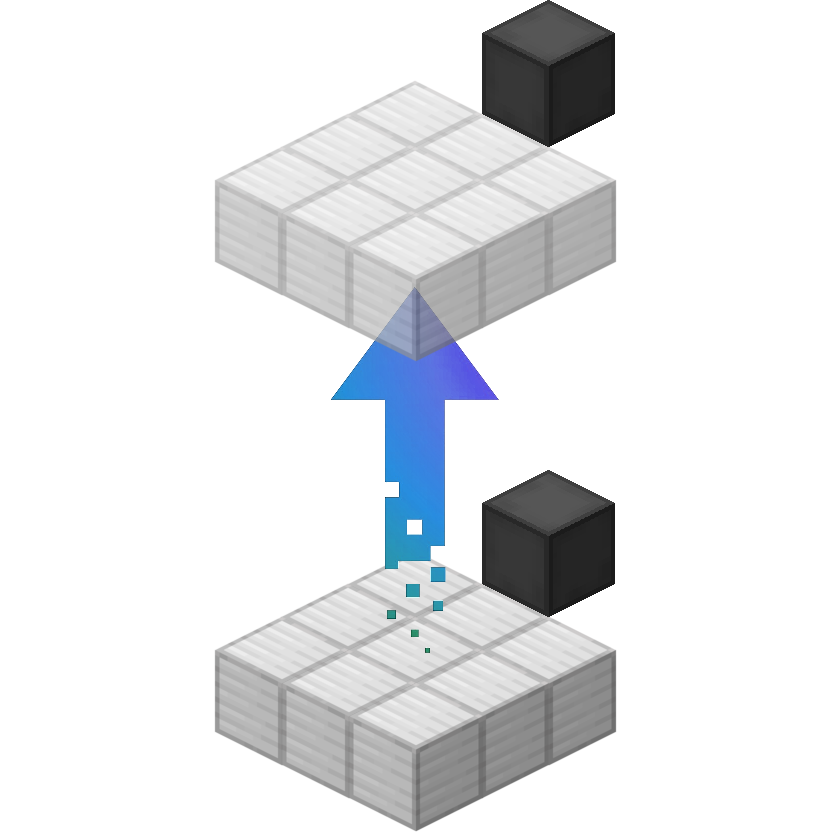
Moving Elevators adds real Elevators to Minecraft!
 mod
Build a ship, take off from your base and fly with no loading screens to the Moon, Mars, black holes and 219 generated star systems.
 mod
A library for UI designed for maximum performance