Universal Display Lib Needed by Window Display 1.1.3
requiredMatching file found Matched file: 1.4.0
Vintage Story Mod DB · Vintage Story mod
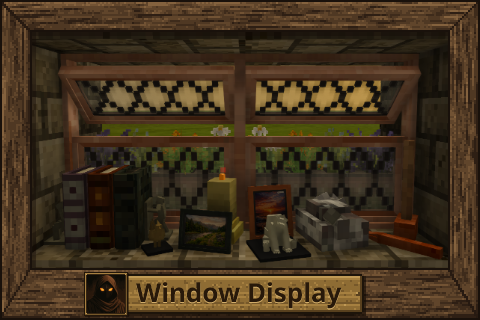
Window Display Windows you can open, put things on, and mount either way round A complete overhaul of Window Storage and Vanilla Pane Storage - 79 styles across 14 woods and 11 glass colours Window Display Patches Universal Display Lib A casement and an
Quick answer
Window Display 1.1.3 targets 1.22.0, 1.22.1, 1.22.2. It must be installed on the client. Installation on the dedicated server is optional. All 2 required mods have matching files.
Where it goes
It must be installed on the client. Installation on the dedicated server is optional.
This release supports both sides, but the source does not require it on the server.
1.1.3. Change the file and its required mods may change too.
Install Universal Display Lib, Window Display - Patches first. We found matching files for this game-version and loader setup. 19 come through another mod in the chain.
19 extra mods were pulled in by other dependencies. Indented rows show who needs each one. We only count dependency files that match this setup. A file for another loader does not fill the gap.
Before you install it
Built for Window Display 1.1.3. Pick another file and the loader, install side or required mods may change.
Use 1.1.3. It targets 1.22.0, 1.22.1, 1.22.2; another release may have different loader, side or dependency requirements.
Install Universal Display Lib, Window Display - Patches first. We found matching files for this game-version and loader setup. 19 come through another mod in the chain.
It must be installed on the client. Installation on the dedicated server is optional.
Use the “Get this file” button beside 1.1.3. It opens that exact file at the source.
About this project
Windows you can open, put things on, and mount either way round
A complete overhaul of Window Storage and Vanilla Pane Storage - 79 styles across 14 woods and 11 glass colours

A casement and an External Shutter

Windows with items displayed

Openable window designs

Static window designs

Tall windows

Wide windows

Coloured glass

Flower pots with flowers

Sprint and a wrench flips a window to its edge version and back.

Tall windows, two and three blocks high, opening as one.

The custom window - locks the first chiselled item in place.
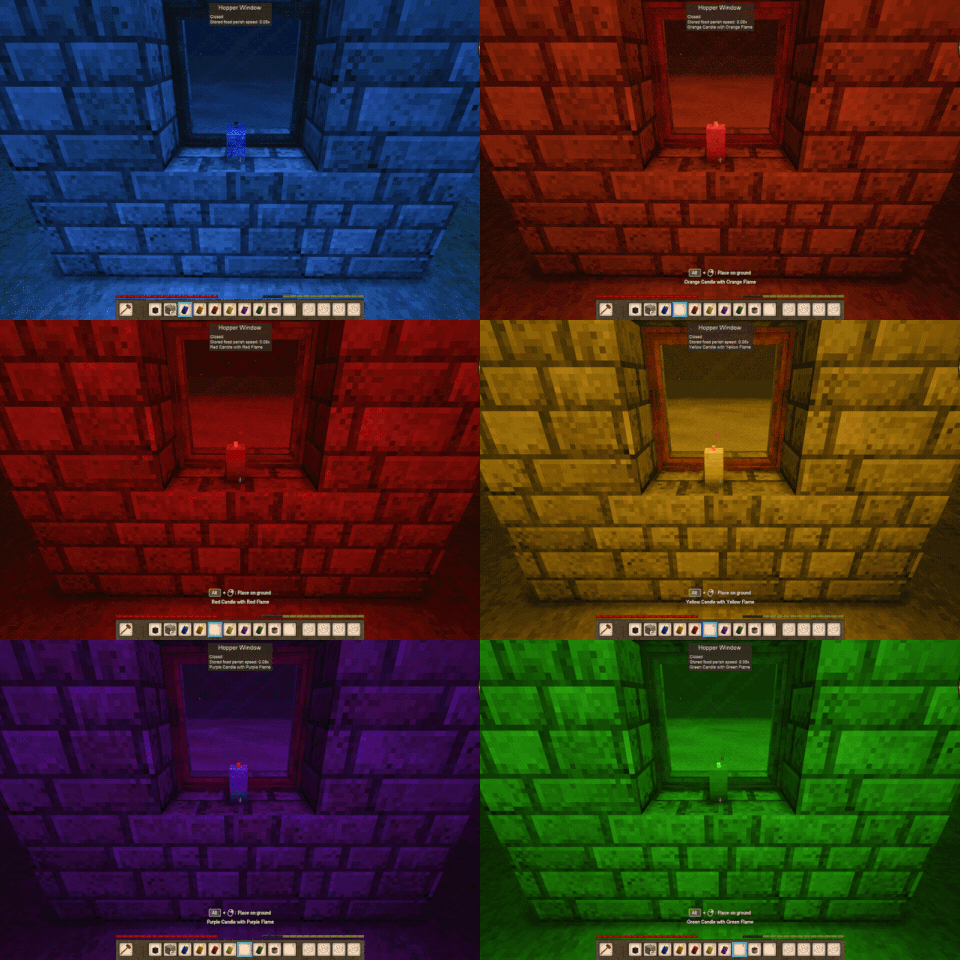
Windows read the Light HSV of the placed item - works on anything with HSV.
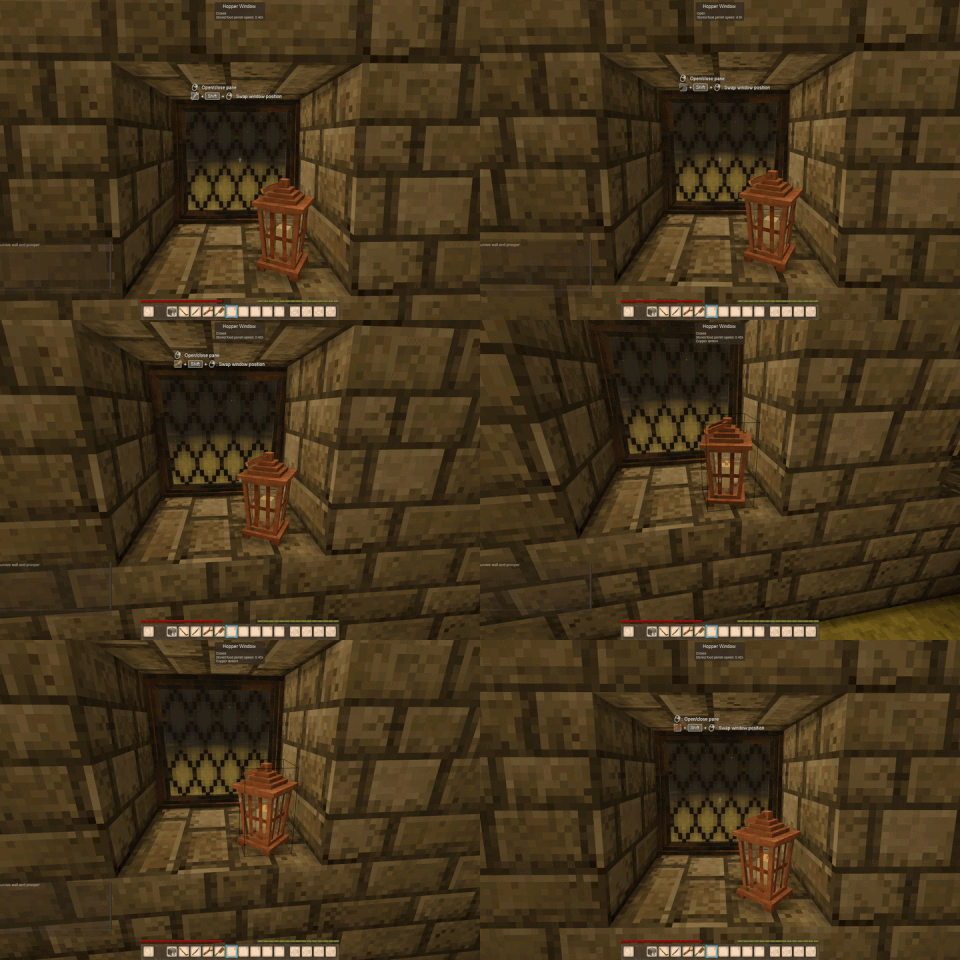
Without Lumos.
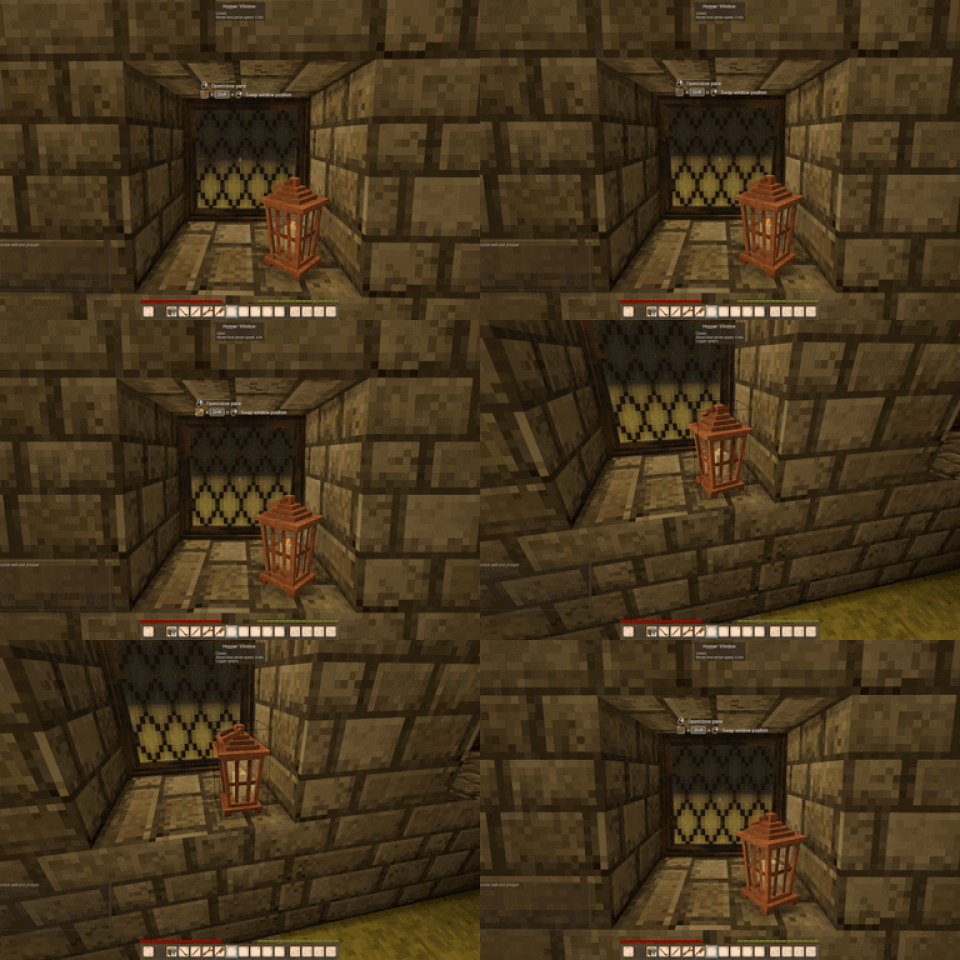
With Lumos by tehtelev.
windowdisplaylib
to
universaldisplaylib
. Delete the old
windowdisplaylib
zip rather than keeping both, or neither library loads. Your worlds are safe either way - no block codes changed, and placed windows, their contents, pane states and tall stacks all come back exactly as you left them.The display mods built on Universal Display Lib. Install the lib and Window Display Patches, then any of the others - each works on its own and they all work together.
| Universal Display Lib | The shared display system every mod below is built on - placement, free-form stacking, rotation, height, light and particles. Required. |
| Window Display Patches | Display sizes and positions for vanilla and modded items, so they sit right on every display. Required. |
| Window Display | Windows with free item placement, opening panes and material choices. |
| Glass Display Shelves | Glass shelves, display stands and tables. |
| Metal Display Shelves | Metal display shelves and stands. |
| Wooden Display Shelves | Wooden display shelves and stands. |
| Ground Display | Free item placement on the ground and suitable block tops. |
| Chiseled Block Display | Item placement inside carved blocks, with separate floors and stacks reaching into clear carved space above. |
Single block
Tall
Built by stacking two or three finished short windows in the grid. Each one is a single block: it goes down from one item when there is room for all of it, breaks as one, and opens together.
Vanilla Pane Display
The game's own glass pane, made usable. Build it from a vanilla leaded pane over a plank, or from scratch with a glass pane.
Hold Sprint and right-click the frame with a wrench. No crafting, no breaking anything, and it works on a whole tall window at once. It refuses if there is anything on the sill or a pane is open, so you cannot lose your things to it.
An edge window mounts on the other side of the wall - and because it is twice as deep, it takes items an ordinary sill will not, like folded clothing or a backpack. Its panes open out into the block in front, just as an ordinary window's do.
Both kinds go round the same loop, and so do their 2 high and 3 high versions at their own height. A tall window is one block, so the whole of it always swaps together.
Every window starts with a glass pane. Put a chisel, a hammer and some glass anywhere in the crafting grid - each tool loses one point of durability - and the panes come out in the glass's own colour. All 11 glass colours work. For a leaded glass pane , put a glass pane and a lead ingot in the grid.
C B D / B B B / A B B
and
C B D / B B B / B B A
- C nails and strips, B planks, D resin, A the glass pane, which goes in the bottom corner on the window's own side.You can do all of this with something in your hand. Placing, taking and opening never fight each other.
| Right-click the frame or pane |
Opens and closes the window. |
| Right-click anywhere on the sill |
Places the held item there. |
| Right-click a placed item |
Takes it back - the top item of a stack first. |
| Turn key + mouse wheel on the sill |
Turns the item you are about to place, including the next item on a stack. "Turn display item" in Controls, Ctrl by default. |
| Turn key + mouse wheel on a placed item |
Turns that item, either way - even with something on top of it. |
| Raise/lower key + mouse wheel on the sill, or on a placed item |
Raises or lowers the item you are about to place, or that item. "Raise/lower display item" in Controls, Shift by default - set it to a key that does not crouch you. |
| Sprint + right-click wrench in hand, on the frame |
Swaps the window to its next style or edge version. |
| B rebindable |
Shows the outline boxes for a moment, whatever your config says. |
Anything deeper than about 6 voxels - folded clothing, a backpack - has nowhere valid to sit on an ordinary sill, because items are centred where you click and have to fit entirely inside. Flip the window to its edge version and it goes on fine.
The old mod had one and it has not been remade yet. If you convert an old corner window it becomes a casement.
Adding one grows the block's bounding box and re-centres the whole thing, which slides the pane off the face you lined it up with. That is how the game measures chiselled blocks, not something this mod can work around.
Placing or taking something, turning an item, or opening a pane. When a light emitting item goes on the sill the window becomes the light source, and any change makes the game rebuild that light from scratch rather than updating it. The bigger the light the more you see it; a candle does not show it at all. This is the vanilla lighting, not the mod - but Lumos by tehtelev replaces that system and removes it completely, with before and after clips below.
AI note: AI was used in making this mod.
Project description from Vintage Story Mod DB.
Pick your setup
Choose the version and loader you play, then open the matching release.
Check the dependencies, then try the file in a copied instance before changing a world you care about.
Recent files
windowdisplay_1.1.3.zip
23 Oct 2026
windowdisplay_1.1.2.zip
16 Oct 2026
windowdisplay_1.1.1.zip
16 Oct 2026
windowdisplay_1.1.0.zip
10 Oct 2026
windowdisplay_1.0.5.zip
3 Oct 2026
windowdisplay_1.0.4.zip
29 Aug 2026
windowdisplay_1.0.3.zip
9 Aug 2026
windowdisplay_1.0.2.zip
6 Aug 2026
windowdisplay_1.0.1.zip
31 Jul 2026
windowdisplay_1.0.0.zip
26 Jul 2026
Looking for an older file? The official Vintage Story Mod DB project page is in Resources.