Vintage Story version
Back to mods 
Vintage Story Mod DB · Vintage Story mod
AnyCoin
AnyCoin adds a physical coin currency to Vintage Story: seven denominations you carry, spend, and save. There's no magic wallet or hidden balance — your money is the coins in your inventory, which makes it a natural fit for player-run economies, shops, w
Choose a version Pick your version below, then grab the matching file.
Quick answer
Which AnyCoin release should I use?
Latest stable file 1.1.2
Game version 1.22.2
Loader Built-in Vintage Story mod system
AnyCoin 1.1.2 targets 1.22.2. It must be installed on the client. Installation on the dedicated server is optional. No extra mods listed for this file.
Where it goes
Is AnyCoin required on the client, server, or both?
It must be installed on the client. Installation on the dedicated server is optional.
Client Required
Dedicated server Optional
Loader for this release Built-in Vintage Story mod system
Required install it here Optional supported, not mandatory Not supported do not install here Source doesn’t say do not assume
This release supports both sides, but the source does not require it on the server.
What else does AnyCoin 1.1.2 need?
1.1.2. Change the file and its required mods may change too.
This file does not list any required mods. Do not add a library just because a different file uses it.
This file does not list any required or optional mods.
Before you install it
Add AnyCoin without breaking your instance.
Built for AnyCoin 1.1.2. Pick another file and the loader, install side or required mods may change.
- 01
Stick to this file
Use 1.1.2. It targets 1.22.2; another release may have different loader, side or dependency requirements.
- 02
Bring the mods it needs
This file does not list any required mods. Do not add a library just because a different file uses it.
- 03
Put it on the correct side
It must be installed on the client. Installation on the dedicated server is optional.
- 04
Pick the file you checked
Use the “Get this file” button beside 1.1.2. It opens that exact file at the source.
About this project
What does AnyCoin add?
AnyCoin adds a physical coin currency to Vintage Story: seven denominations you carry, spend, and save. There's no magic wallet or hidden balance — your money is the coins in your inventory, which makes it a natural fit for player-run economies, shops, wages, and trade.
The coins
Seven denominations cover everything from pocket change to a fortune: 1, 5, 10, 50, 100, 500, and 1000. Each coin is a normal item that stacks up to 256, so even large sums stay compact.
Making change
Combine smaller coins into the next size up, or split a larger coin back into smaller ones — both done right on the crafting grid (shapeless, just drop the coins in). The total value never changes, only the form:
- five 1-coins = one 5-coin
- two 5-coins = one 10-coin
- five 10-coins = one 50-coin
- two 50-coins = one 100-coin
- five 100-coins = one 500-coin
- two 500-coins = one 1000-coin
Every step works in reverse, so you can always break a big coin down to make change.
Where coins come from
Coins can't be crafted from raw materials. They enter the world through the creative inventory and admin commands, so on a server the staff control the total money supply — prices, trade, and saving are left to the community.
Banking
Pair AnyCoin with its companion mods to store and protect balances:
- AnyCoin Piggy Bank — a lockable clay coin bank.
- AnyCoin Bank Box — an iron vault with a deposit/withdraw panel and a public transaction ledger.
Both list AnyCoin as a dependency, so this mod needs to be installed for them to work.
Project description from Vintage Story Mod DB.
Pick your setup
AnyCoin releases for each Vintage Story version.
Choose the version and loader you play, then open the matching release.
Check the dependencies, then try the file in a copied instance before changing a world you care about.
Recent files
AnyCoin versions and loaders
1.1.2
anycoin_v1.1.2.zip
5 Jun 2026
Client Required Server Optional Dependencies No extras listed Listed on Release listing
Check the 1.22.2 setup 1.22.2 release
Looking for an older file? The official Vintage Story Mod DB project page is in Resources.
 mod
mod Vintage Story
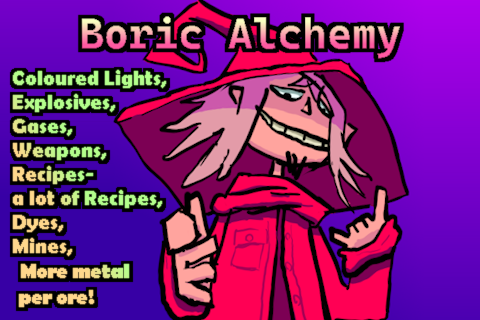
Boric Alchemy
Boric Alchemy adds chemical routes to create and refine resources, and create alchemical marvels!
 mod
mod Vintage Story
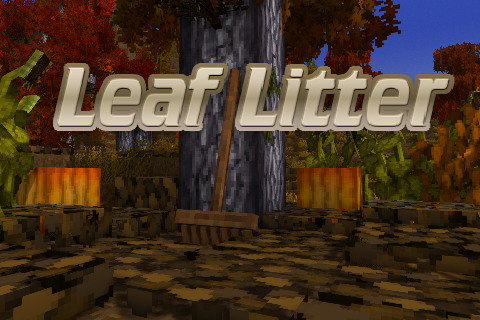
Leaf Litter
Adds dynamic leaf litter that can be raked, composted, and used as mulch.
 mod
mod Vintage Story
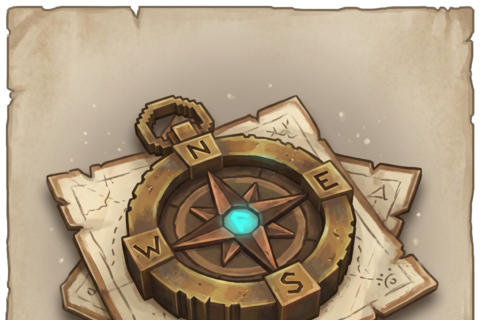
Waypointer
Marker Manager. + Automatic marker installation: traders, translocators, and resin.