Architectury API Needed by nofireoverlay-neoforge-26.2-1.2.0.jar
requiredMatching file found Matched file: [NeoForge 26.2] v21.0.7
CurseForge · Minecraft mod
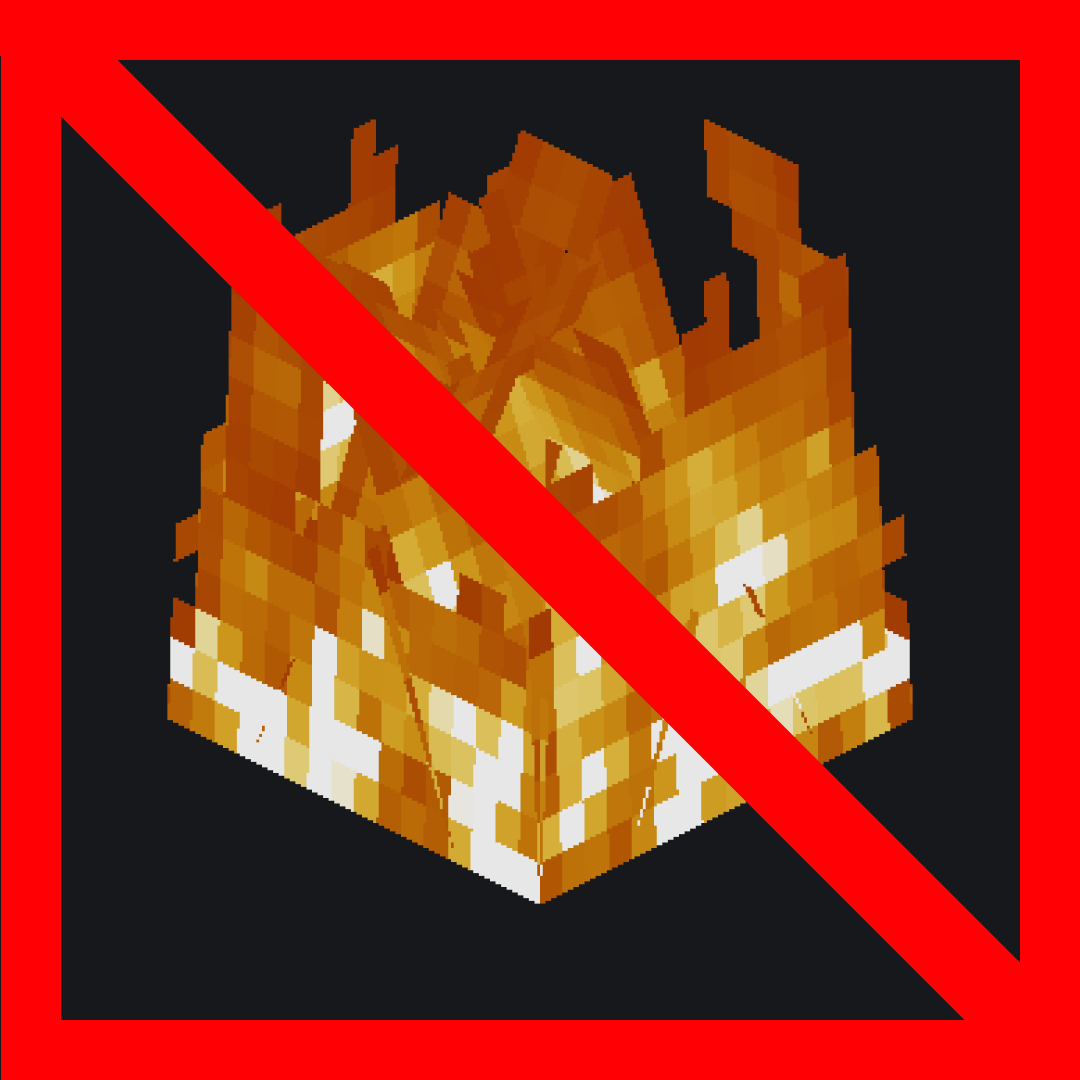
A slim, customizable fire overlay that keeps the vanilla flames from blocking your screen — see clearly while on fire and still know you're burning. Adjust opacity, size and position.
Quick answer
nofireoverlay-neoforge-26.2-1.2.0.jar targets 26.2 with NeoForge. The project page does not say whether this file belongs on the client, dedicated server, or both. All 1 required mods have matching files.
Where it goes
The project page does not say whether this file belongs on the client, dedicated server, or both.
The source does not explicitly classify this release as client-only or server-only.
nofireoverlay-neoforge-26.2-1.2.0.jar. Change the file and its required mods may change too.
Install Architectury API first. We found matching files for this game-version and loader setup.
We only count dependency files that match this setup. A file for another loader does not fill the gap.
Before you install it
Built for nofireoverlay-neoforge-26.2-1.2.0.jar. Pick another file and the loader, install side or required mods may change.
Use nofireoverlay-neoforge-26.2-1.2.0.jar. It targets 26.2 with NeoForge; another release may have different loader, side or dependency requirements.
Install Architectury API first. We found matching files for this game-version and loader setup.
The project page does not say whether this file belongs on the client, dedicated server, or both.
Use the “Get this file” button beside nofireoverlay-neoforge-26.2-1.2.0.jar. It opens that exact file at the source.
About this project

Client-side utility mod that replaces Minecraft's default fire overlay with a cleaner and much less obstructive version. You still get a clear visual warning that you are burning, but it no longer covers large parts of the screen or gets in the way of combat, movement, or UI visibility.
Client-side only (no server installation required). Fully compatible with singleplayer.
Dependencies: Fabric & NeoForge require Architectury API. Forge requires no additional dependencies.
Free to use in any modpack — public or private, no permission needed.
You can customize the overlay through the mod configuration screen in the mod list menu.
Please report any bugs, errors, or feature suggestions on Discord: https://discord.gg/HTkn94BXmA
Project description from CurseForge.
Pick your setup
Choose the version and loader you play, then open the matching release.
Check the dependencies, then try the file in a copied instance before changing a world you care about.
Recent files
5 Sept 2026
5 Sept 2026
5 Sept 2026
5 Sept 2026
5 Sept 2026
5 Sept 2026
5 Sept 2026
5 Sept 2026
5 Sept 2026
5 Sept 2026
5 Sept 2026
5 Sept 2026
Looking for an older file? The official CurseForge project page is in Resources.
 mod
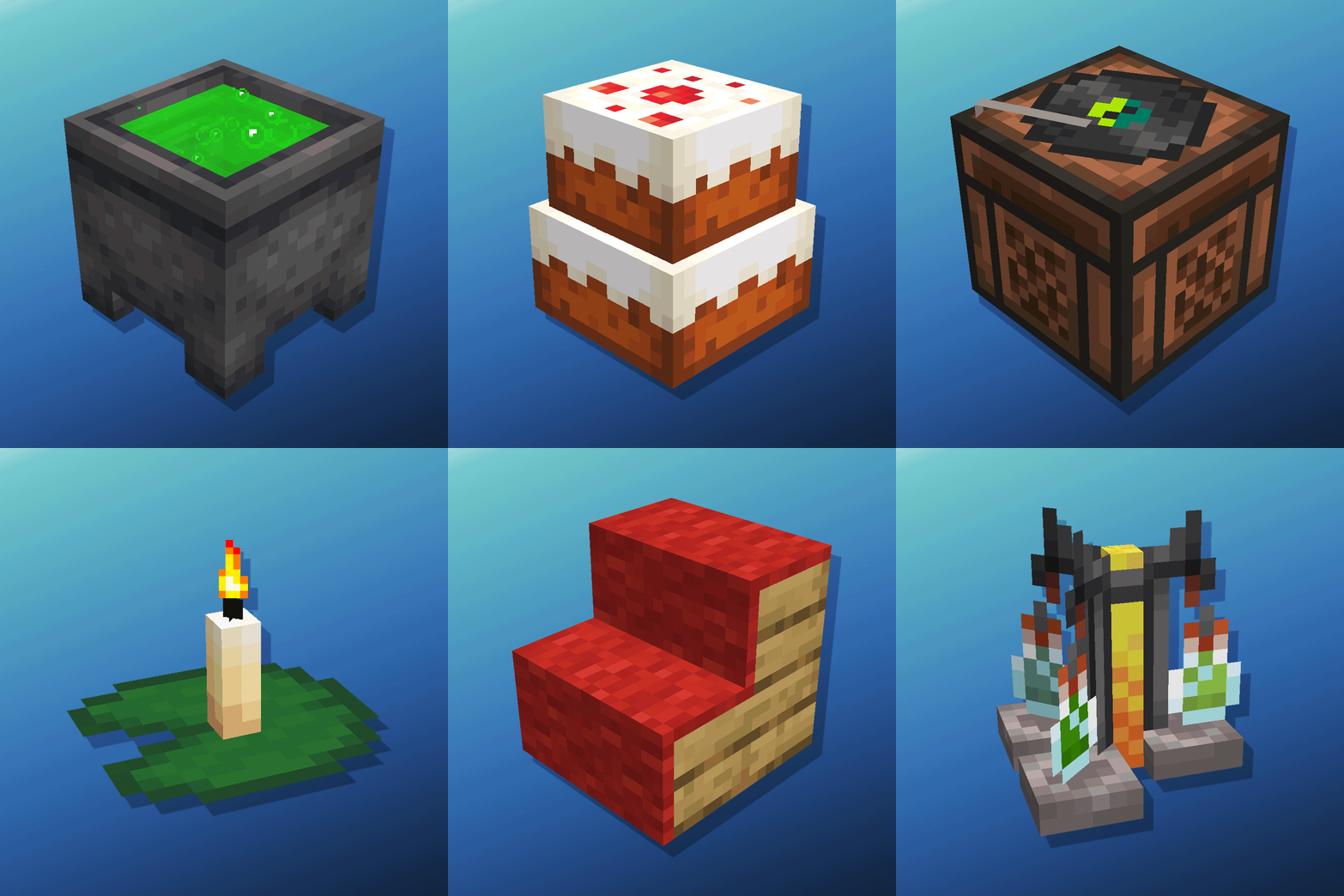
modCauldron Potion Mixing, Lanterns Animation, Carpeted Stairs, Candle Skulls, Double Cakes, Better Lilypads and much more
 mod
modA new enchantments mod that features 50+ custom and well made enchantments for armor, tools, and weapons!
 mod
modServer-owned AE2 autocrafting time-to-craft hints for AE2 crafting UIs, with retained real-world samples