WindLink - PlunderEngine Optional for Particle Rain v4.0.3 for 26.2-fabric
optionalMatching file found Matched file: WindLink 1.1.22-beta-1+mc26.2

CurseForge · Minecraft mod
replaces the default weather with particle effects
Quick answer
Particle Rain v4.0.3 for 26.2-fabric targets 26.2 with Fabric. The project page does not say whether this file belongs on the client, dedicated server, or both. All 1 required mods have matching files.
Where it goes
The project page does not say whether this file belongs on the client, dedicated server, or both.
The source does not explicitly classify this release as client-only or server-only.
v4.0.3 for 26.2-fabric on 26.2. Every mod below is checked against that same setup.
Install Fabric API first. We found matching files for this game-version and loader setup. 6 come through another mod in the chain.
6 extra mods were pulled in by other dependencies. Indented rows show who needs each one. We only count dependency files that match this setup. A file for another loader does not fill the gap.
Before you install it
Built for Particle Rain v4.0.3 for 26.2-fabric on 26.2. Pick another file and the loader, install side or required mods may change.
Use v4.0.3 for 26.2-fabric. It targets 26.2 with Fabric; another release may have different loader, side or dependency requirements.
Install Fabric API first. We found matching files for this game-version and loader setup. 6 come through another mod in the chain.
The project page does not say whether this file belongs on the client, dedicated server, or both.
Use the “Get this file” button beside v4.0.3 for 26.2-fabric. It opens that exact file at the source.
About this project
Particle Rain replaces the default weather with prettier particle effects, and adds some additional fog, wind, and sandstorm weather effects. You can even add or customise weather effects with the in-game config menu.
Fabric versions require Fabric API.
For config, use command /particlerain or your loader's mod list menu
For common compatibility issues, see here
video (outdated, see gallery instead): https://www.youtube-nocookie.com/embed/oan4xH5RvH0
Falls at an angle, blown by wind.
During stormy weather the wind is stronger and the rain looks more dense.
Rotate slowly as they fall. Not strongly affected by wind, retaining the serene quality of Vanilla's snow whlie being less visually cluttered. Has a heavy variant during storms just like rain.
Dust and shrubs blow through deserts and other dry biomes.
Dust matches the color of the block below, allowing for a range of biomes to be supported without additional configuration, including ones added by other mods.
Appears in biomes tagged as #c:is_spooky / #c:is_wet. This is configurable.
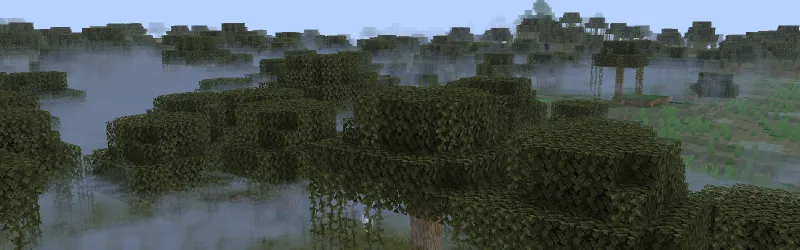
Sometimes fog will appear after rain. This too is configurable.
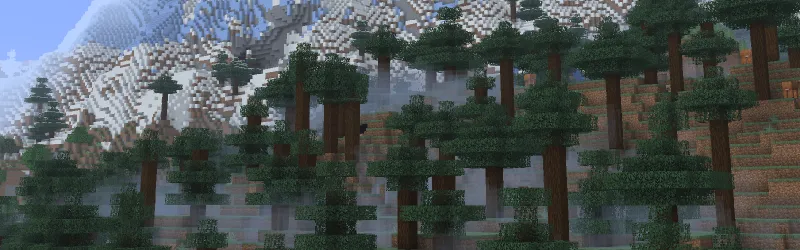
Appears when rain falls onto water. Will match the resolution of your resource pack. (configurable)
Appears when rain hits a wall made of a hard material. (can be configured to appear on any block)

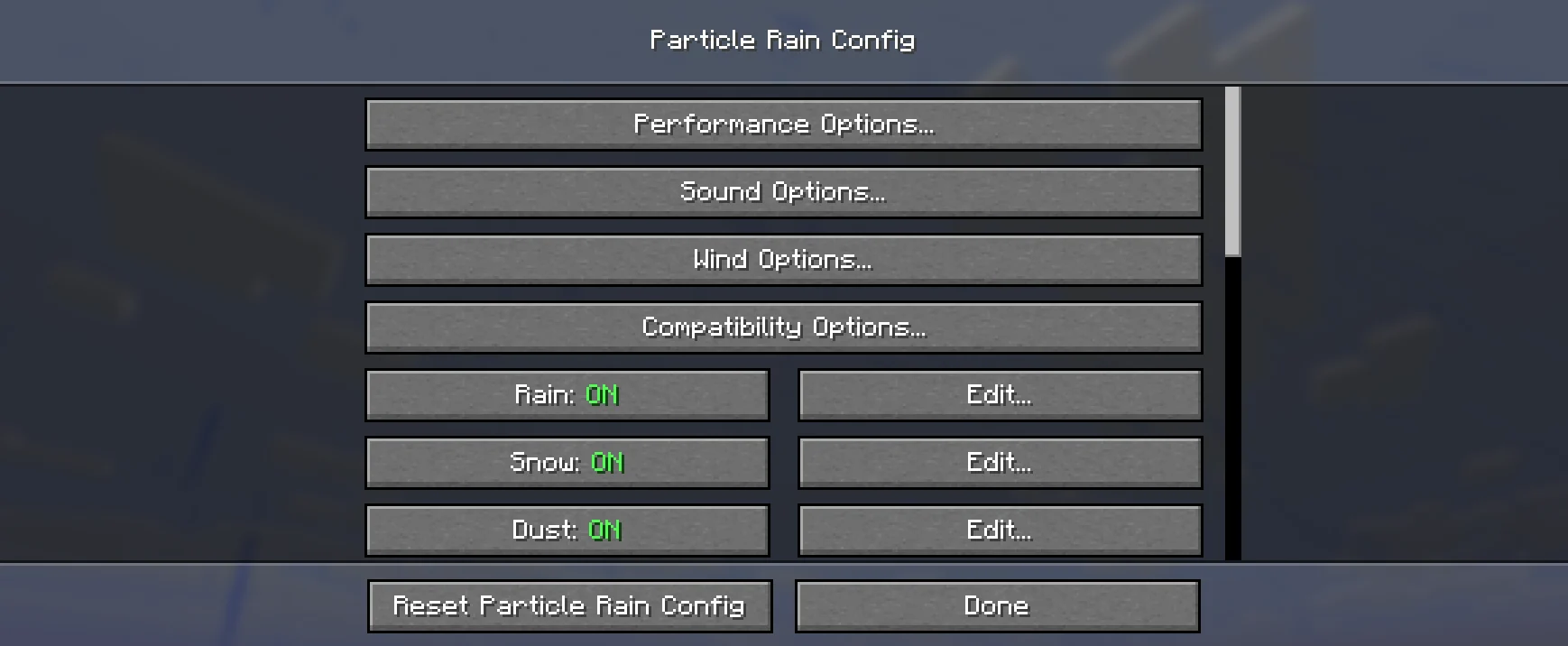
You can create all kinds of atmospheric particle effects for specific blocks and biomes or edit the existing effects using the built in configuration menu.
Access the menu via the command /particlerain or through the mod menu.
The puddles feature has been reworked and released as its own mod.
Project description from CurseForge.
Pick your setup
Choose the version and loader you play, then open the matching release.
Showing the newest 12 of 18 game versions. Older files are in the list below.
Check the dependencies, then try the file in a copied instance before changing a world you care about.
Recent files
particlerain-4.0.3-26.2-fabric.jar
4 Nov 2026
particlerain-4.0.2+26.2-fabric.jar
10 Oct 2026
particlerain-4.0.1+26.2-fabric.jar
7 Oct 2026
particlerain-4.0.0+26.2-fabric.jar
7 Oct 2026
particlerain-4.0.0-beta.11+26.2-fabric.jar
24 Aug 2026
Looking for an older file? The official CurseForge project page is in Resources.
 mod
Client first mod, paint block gradients and 3D-noise fills from your inventory.
 mod
This Mod adds the ability to add custom capes to your player including gifs and normal images with a resolution up to 2048x1024 you can also see other capes and vice versa and it also works with elytra models and wavey capes
 mod
Adds Accurate Elytra Trails with a Mod!