Fabric API Needed by Sword Blocking Mechanics [FABRIC] [26.2.x] v26.2.0
requiredMatching file found Matched file: [26.2] Fabric API 0.161.0+26.2

CurseForge · Minecraft mod
Sword blocking is back! Exactly like it used to be, or different? Your choice!
Quick answer
Sword Blocking Mechanics [FABRIC] [26.2.x] v26.2.0 targets 26.2 with Fabric. The project page does not say whether this file belongs on the client, dedicated server, or both. All 3 required mods have matching files.
Where it goes
The project page does not say whether this file belongs on the client, dedicated server, or both.
The source does not explicitly classify this release as client-only or server-only.
[FABRIC] [26.2.x] v26.2.0. Change the file and its required mods may change too.
Install Fabric API, Forge Config API Port, Puzzles Lib first. We found matching files for this game-version and loader setup. 4 come through another mod in the chain.
4 extra mods were pulled in by other dependencies. Indented rows show who needs each one. We only count dependency files that match this setup. A file for another loader does not fill the gap.
Before you install it
Built for Sword Blocking Mechanics [FABRIC] [26.2.x] v26.2.0. Pick another file and the loader, install side or required mods may change.
Use [FABRIC] [26.2.x] v26.2.0. It targets 26.2 with Fabric; another release may have different loader, side or dependency requirements.
Install Fabric API, Forge Config API Port, Puzzles Lib first. We found matching files for this game-version and loader setup. 4 come through another mod in the chain.
The project page does not say whether this file belongs on the client, dedicated server, or both.
Use the “Get this file” button beside [FABRIC] [26.2.x] v26.2.0. It opens that exact file at the source.
About this project
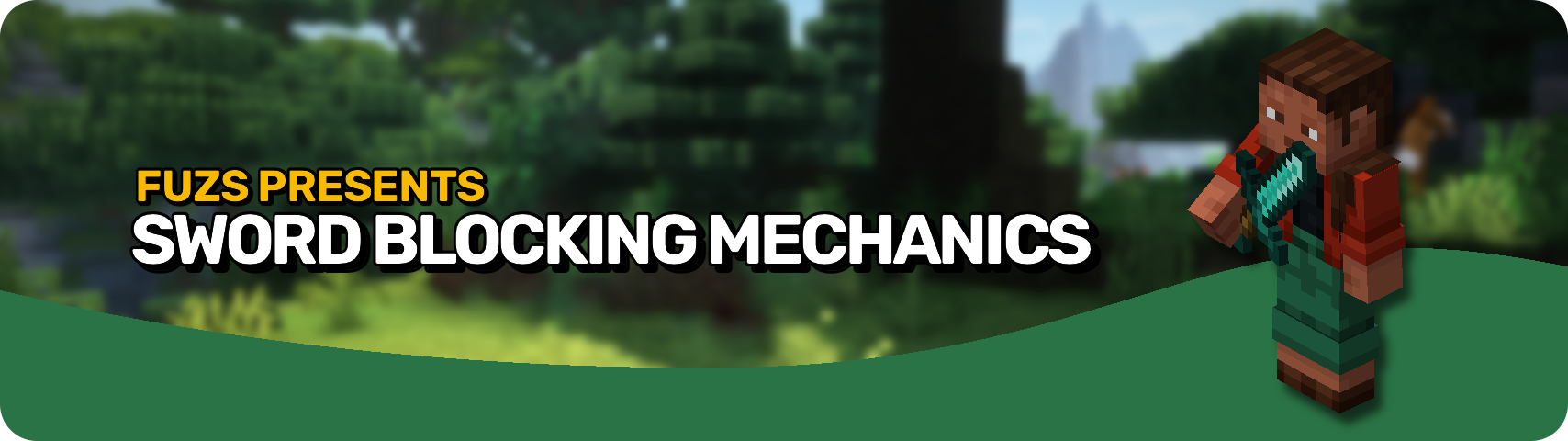







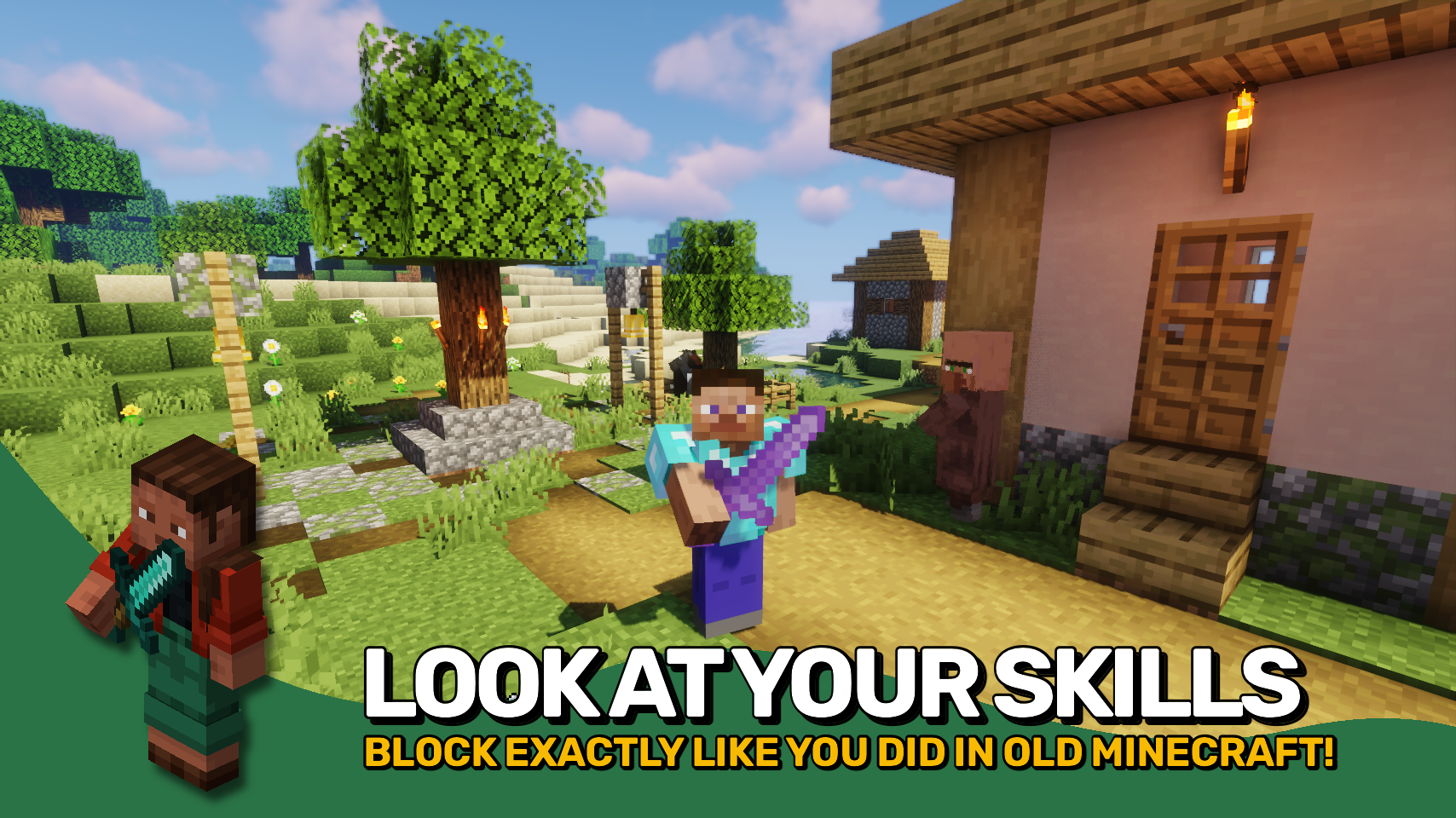
Sword Blocking Mechanics restores the very useful blocking ability to all swords straight from the Minecraft 1.7 / 1.8 combat era. What more is there to say really? It's just as equally awesome as it was back in the day. Simply right-click your held sword and 50% of all incoming damage will be blocked. Really easy to use and much more convenient than bulky shields. You still want to ocasionally use a shield though? No problem! When held in the offhand it will be prioritized over sword blocking.
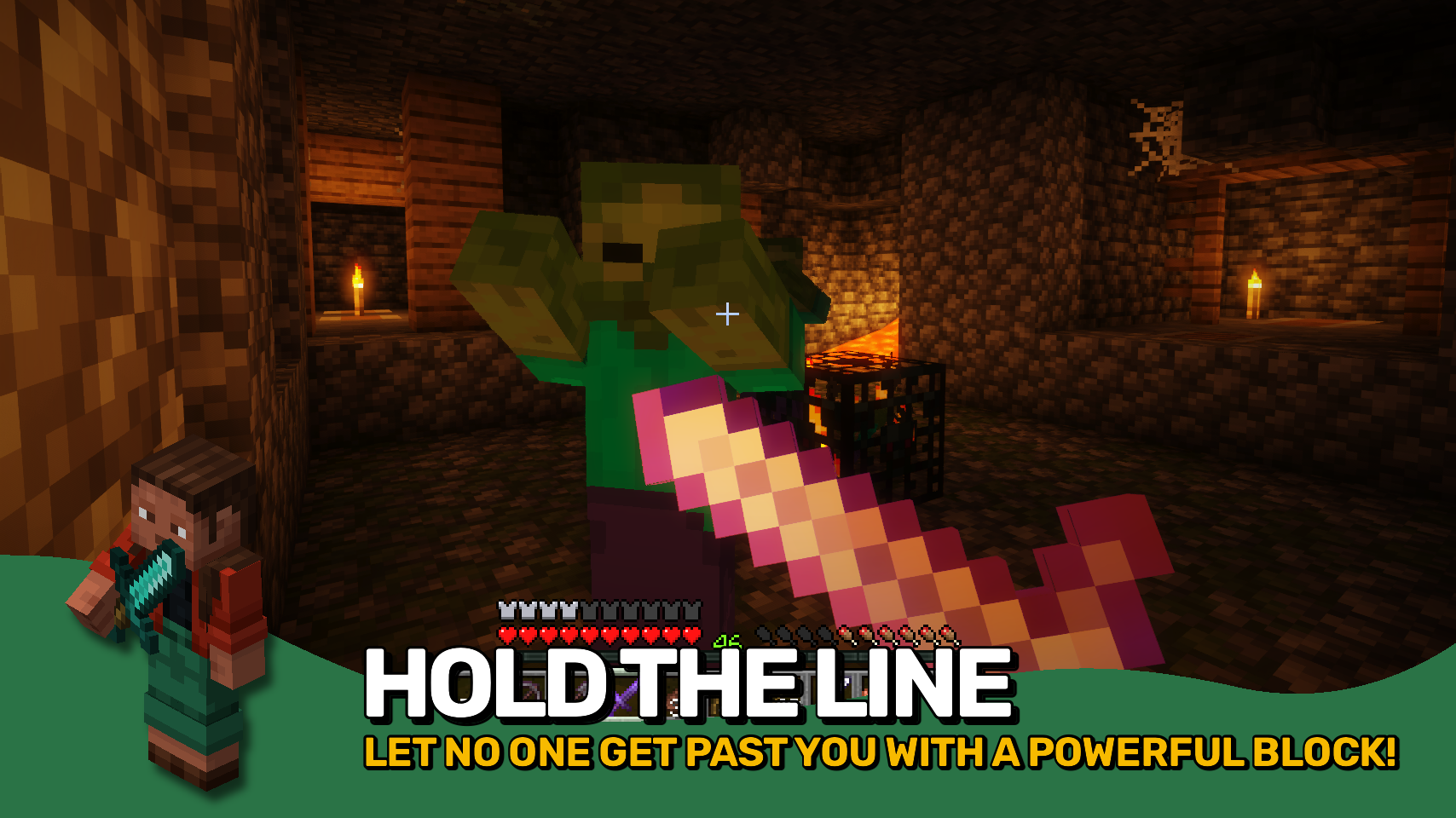
Everything about sword blocking is fully customizable, and there even is a new parry mechanic. It is active in the first 0.5 seconds after initiating a sword block, where the block is more similar to a shield and prevents all incoming damage.
Any item that is to support the sword blocking mechanic must be added to the swordblockingmechanics:can_perform_sword_blocking item tag. Items you want to use from your offhand while holding a sword in the mainhand should be added to the swordblockingmechanics:overrides_sword_blocking_in_offhand item tag.
For bringing back not the old sword blocking mechanic, but also just fast paced combat, make sure to check out Golden Age Combat.


⏩ INSTALLATION REQUIRED ON CLIENT & REQUIRED ON SERVER
⏩ REQUIRES PUZZLES LIB TO BE INSTALLED (FABRIC & NEOFORGE)
⏩ REQUIRES FABRIC API TO BE INSTALLED (FABRIC)
⏩ REQUIRES FORGE CONFIG API PORT TO BE INSTALLED (FABRIC)

If available for a mod, configuration is possible directly from in-game using the mod menu (requires Mod Menu by Prospector to be installed on Fabric).
For manual configuration using an external text editor all files are found at .minecraft/config, named as MOD_ID-client.toml, MOD_ID-common.toml, or MOD_ID-server.toml, depending on the type of config. Not all types might exist for a mod, if any at all.
 |
 |
|
|---|---|---|
 |
 |
|
 |
 |
|
 |
 |
|
 |
 |
|

© 2026 @heyitsfuzs. All rights reserved. This page was last edited on 11 September 2026, at 06:44 (UTC).
Project description from CurseForge.
Pick your setup
Choose the version and loader you play, then open the matching release.
Showing the newest 12 of 16 game versions. Older files are in the list below.
Check the dependencies, then try the file in a copied instance before changing a world you care about.
Recent files
SwordBlockingMechanics-v26.2.0-mc26.2.x-Fabric.jar
19 Jun 2026
SwordBlockingMechanics-v26.2.0-mc26.2.x-NeoForge.jar
19 Jun 2026
SwordBlockingMechanics-v26.1.0-mc26.1.x-Fabric.jar
3 May 2026
SwordBlockingMechanics-v26.1.0-mc26.1.x-NeoForge.jar
3 May 2026
SwordBlockingMechanics-v21.11.0-mc1.21.11-NeoForge.jar
18 Dec 2025
SwordBlockingMechanics-v21.11.0-mc1.21.11-Fabric.jar
18 Dec 2025
SwordBlockingMechanics-v21.10.0+mc1.21.10-Fabric.jar
8 Oct 2025
SwordBlockingMechanics-v21.10.0+mc1.21.10-NeoForge.jar
8 Oct 2025
SwordBlockingMechanics-v21.9.0+mc1.21.9-NeoForge.jar
5 Oct 2025
SwordBlockingMechanics-v21.9.0+mc1.21.9-Fabric.jar
5 Oct 2025
SwordBlockingMechanics-v21.8.0-1.21.8-NeoForge.jar
18 Jul 2025
SwordBlockingMechanics-v21.8.0-1.21.8-Fabric.jar
18 Jul 2025
Looking for an older file? The official CurseForge project page is in Resources.
 mod
modAdd a new tree with a new type of wood and food
 mod
modA Scorched Guns 2 addon bringing historic weaponry from the First World War
 mod
modMinecraft RPG mod that adds character progression, stats, skills, ranks, and quests through a custom System interface.
